Try macOS 26.2’s Edge Light for Low-Light Video Calls
/
Dark room, important video call? macOS 26.2’s Edge Light transforms your Mac’s display into an on-screen ring light, illuminating your face so you’re visible on camera.
Read MoreDark room, important video call? macOS 26.2’s Edge Light transforms your Mac’s display into an on-screen ring light, illuminating your face so you’re visible on camera.
Read MoreApple’s Reminders app offers more than simple notifications—from location-based alerts to the new alarm feature in iOS 26.2, here’s how to make sure you never miss an important task.
Read MoreApple’s new DJ‑style AutoMix transitions between songs in the Music app aren’t to everyone’s taste (and sometimes flub the jump). Here’s how to switch back to a timed Crossfade or disable transitions in Music on your iPhone, iPad, and Mac.
Read MoreSpaces, tabs, and returns seem simple—but using the wrong invisible character can wreck your document’s layout. Learn when to use non-breaking spaces, tabs, and soft returns to create cleaner, more professional documents.
Read MoreTraveling across time zones? Reminders in iOS 26, iPadOS 26, and macOS 26 finally lets you set a time zone per reminder so alerts fire at the right local “wall clock” time.
Read MoreSpotlight in macOS 26 Tahoe received a major upgrade, and you can now filter results, run app actions, search sites directly, and browse clipboard history—all starting from a quick press of Command‑Space.
Read MoreMissed a call? Keep follow‑ups from slipping through the cracks by setting a callback reminder right in the Phone app on iOS 26 and iPadOS 26.
Read MoreAutomate Mac file chores like moving, renaming, or tagging files with folder action scripts that run whenever files change. You can even get an AI chatbot to write the script for you.
Read MoreConversation backgrounds in Messages look cool, and they’re shared with others on iOS 26, iPadOS 26, and macOS 26 Tahoe. Pick an appropriate image and explain what you’ve done to delight your contacts rather than confusing them.
Read MoreDon’t let anyone you know get locked out of their Apple Account if they forget the password. Learn how to set up different recovery methods—then help your family and friends protect their accounts too.
Read MoreSpeed up your Mac’s startup, reduce conflicts, and improve security by cleaning out old login items. It takes just a minute in System Settings.
Read MoreDon’t just trust your backups—verify them. Each quarter, restore a few files from Time Machine, your clone, or your cloud backup, and make sure they open correctly. Silent failures happen; test restores prevent nasty surprises.
Read MoreKick off 2026 with smart security habits: back up every device, stay current on software updates, outsmart phishing attempts, avoid sketchy sites, and streamline your logins with a password manager.
Read MoreBuried by spam calls and texts—but worried about missing something important? Learn how Apple’s new Phone and Messages apps can screen and filter calls and texts without causing you to miss that doctor’s call or delivery text.
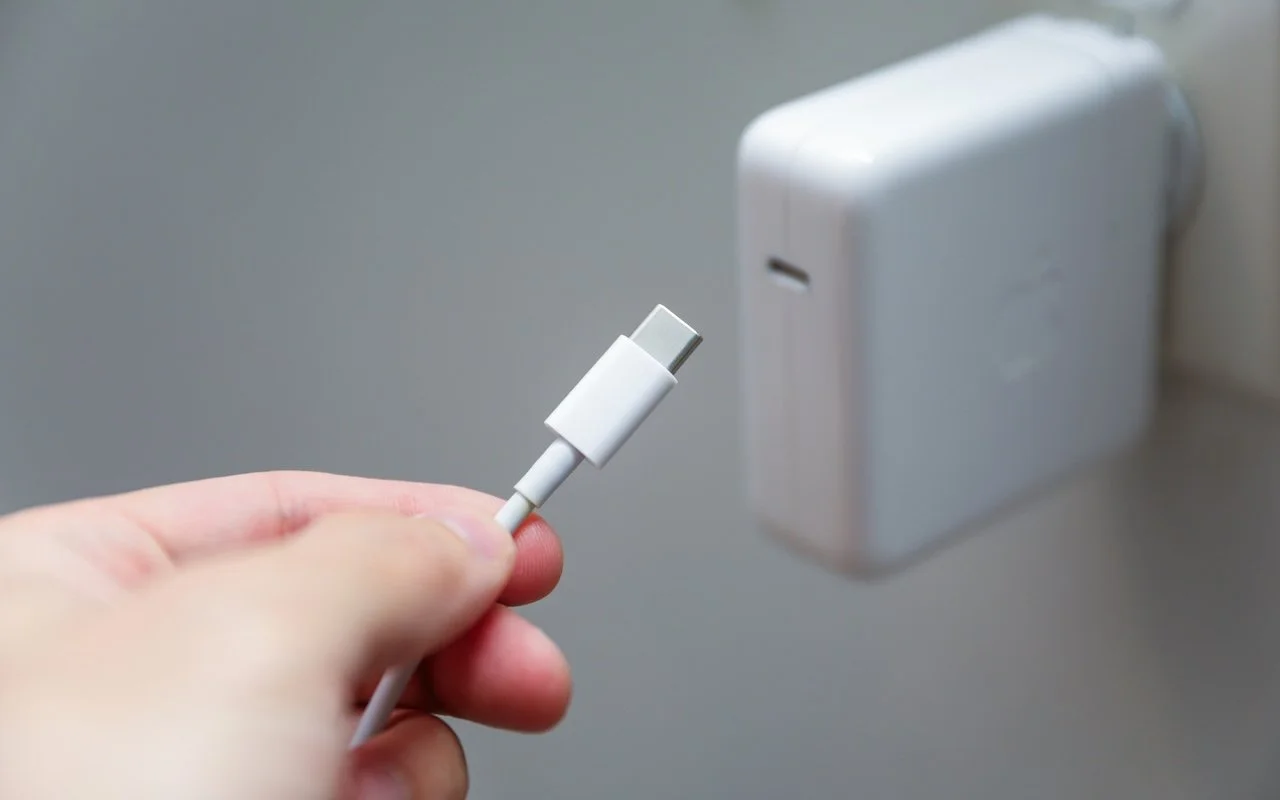
Read MoreLost your MacBook charger? Don’t grab just any USB power adapter—using one that’s too weak can result in no charging, glacial charging, or battery drain while you work. Here’s the minimum wattage you need for each MacBook model.
Read MoreiPadOS 26 finally brings Mac‑style multitasking to the iPad. Learn how to enable windowed apps, use the new menu bar, work with windows, and master Slide Over (back in iPadOS 26.1) for faster workflows.
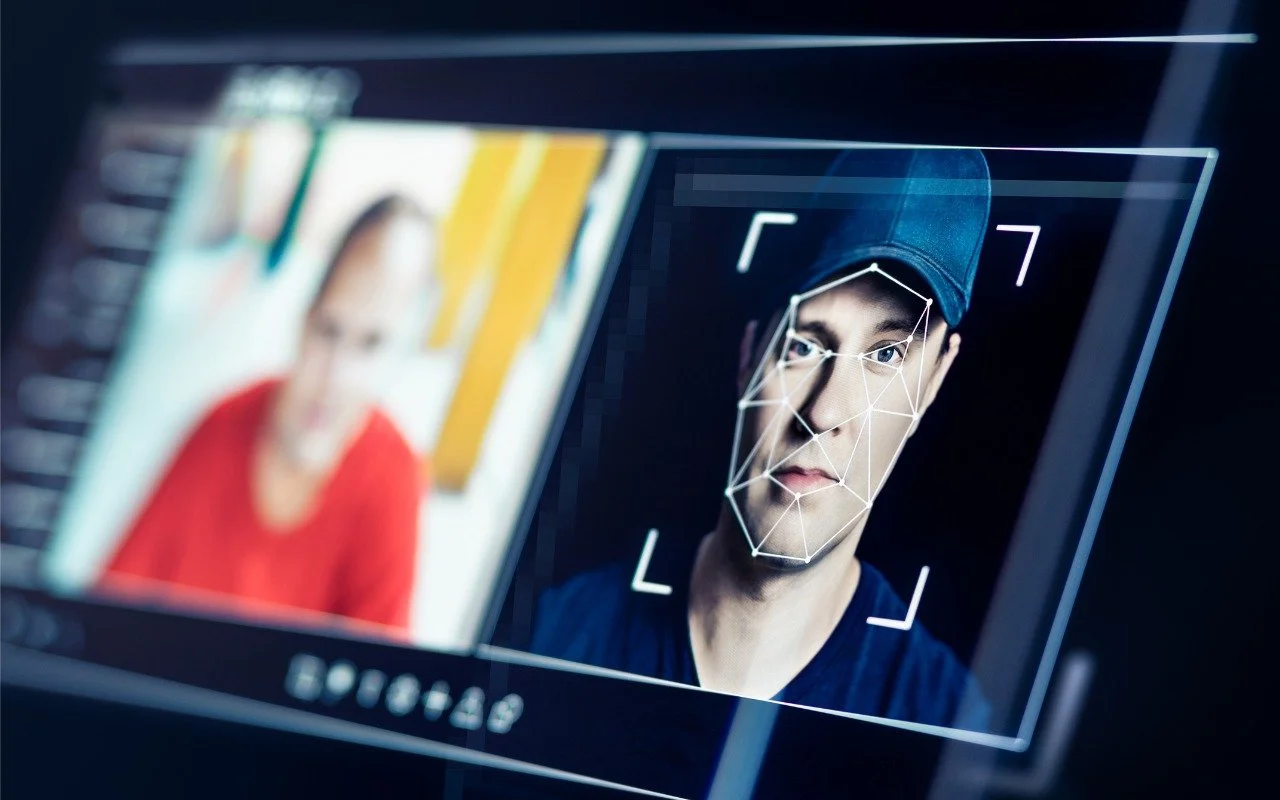
Read MorePhishing has a new face—literally. Scammers can now use AI tools to fake voices and videos that look real. Before you act on an “urgent” request, look for audio or visual clues and verify through another channel.
Read MoreStruggling with Liquid Glass transparency or accidental camera launches? iOS 26.1 addresses both and adds a safer slide‑to‑stop alarm control, swiping to switch songs in Music, Background Security Improvements, and more Live Translation languages.
Read MoreCould you cut your design costs? Canva’s new Affinity app for macOS and Windows is free but offers features comparable to Adobe Photoshop, Illustrator, and InDesign. Try it and see if it’s enough to replace Creative Cloud.
Read MoreShopping for an Apple enthusiast this holiday season? Or maybe your own tech setup needs an upgrade? Check out our curated list of peripherals across multiple categories—from storage to chargers to keyboards.
Read More