Share Your Location Temporarily While Traveling
/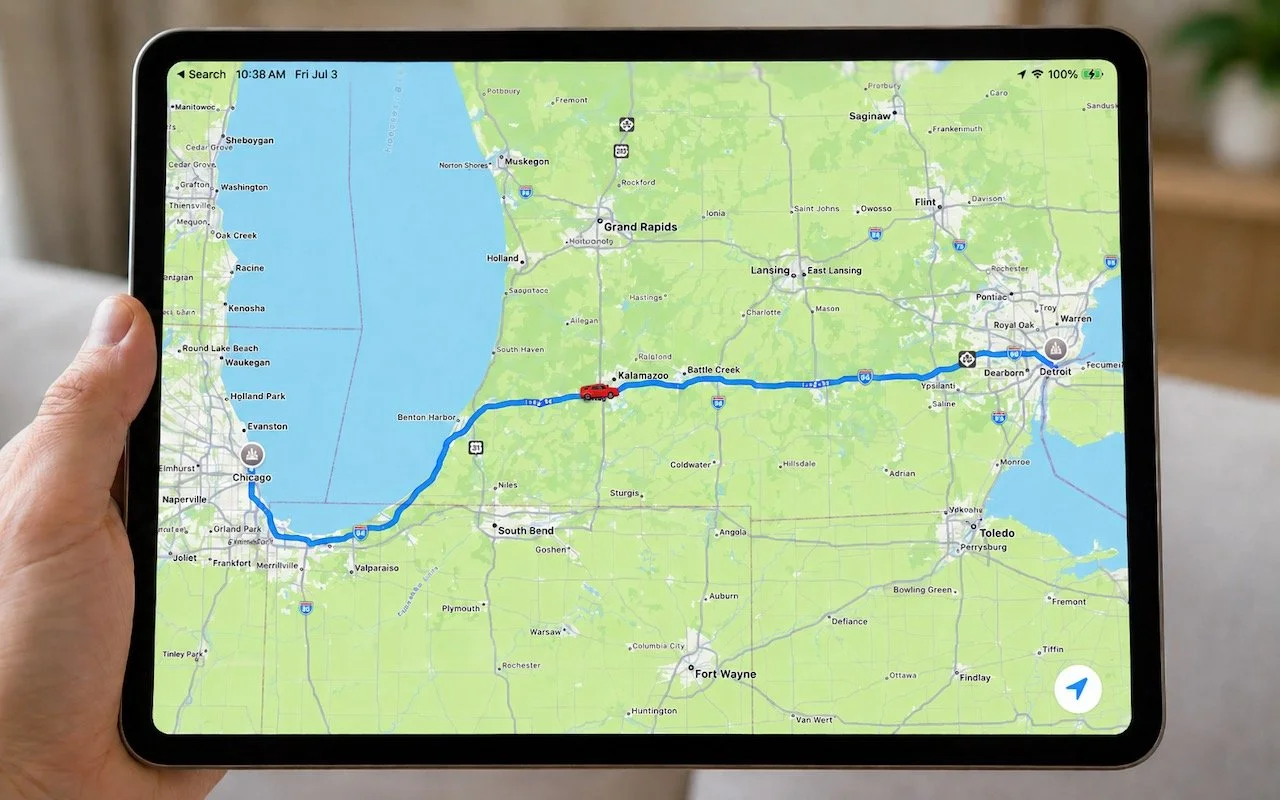
Put an end to the “where are you now?” texts. iOS lets you temporarily share your location with friends and family while traveling—here’s how to set it up in Messages.
Read MorePut an end to the “where are you now?” texts. iOS lets you temporarily share your location with friends and family while traveling—here’s how to set it up in Messages.
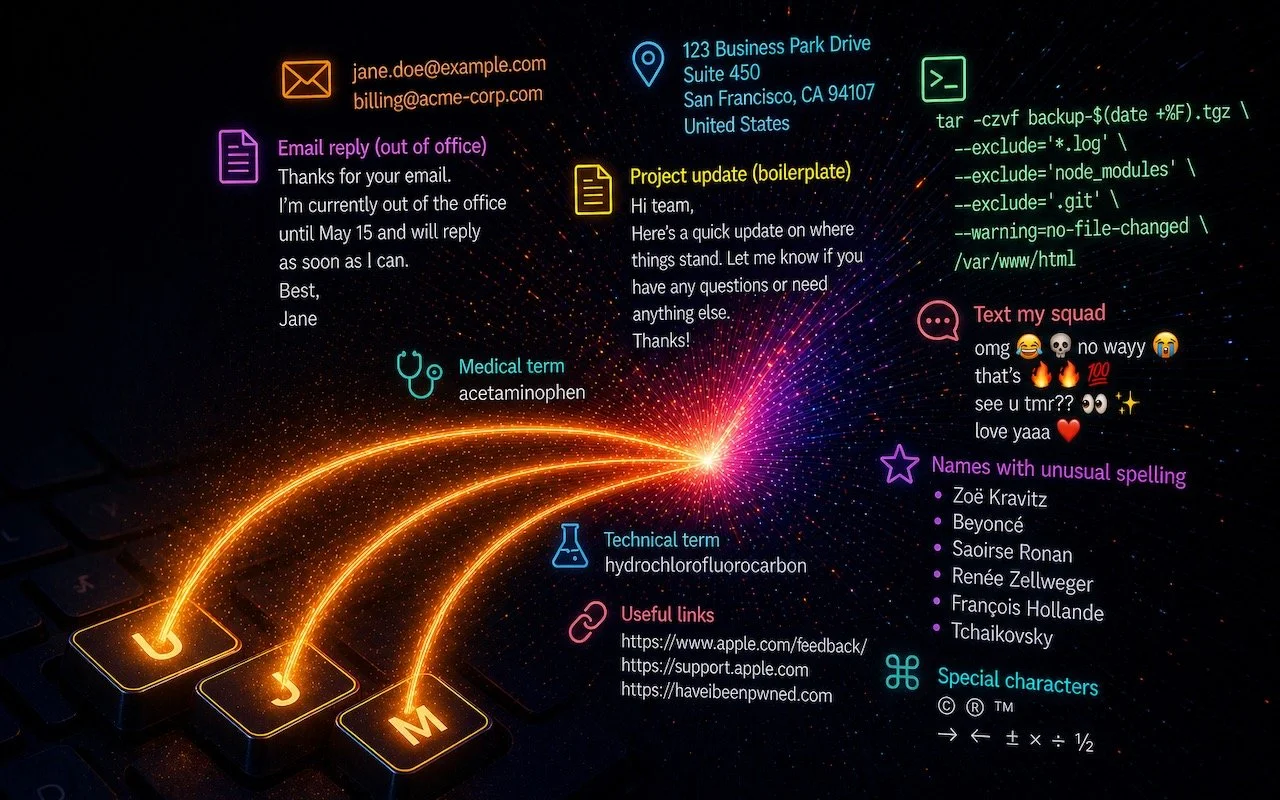
Read MoreTired of typing the same email address, phone number, or tricky words over and over? Text expansion on Mac and iOS can save you keystrokes every day.
Read MoreFrom a smarter Siri AI to faster app launches and better parental controls, here are 10 reasons Apple’s version 27 updates may entice you to upgrade when they ship this fall.
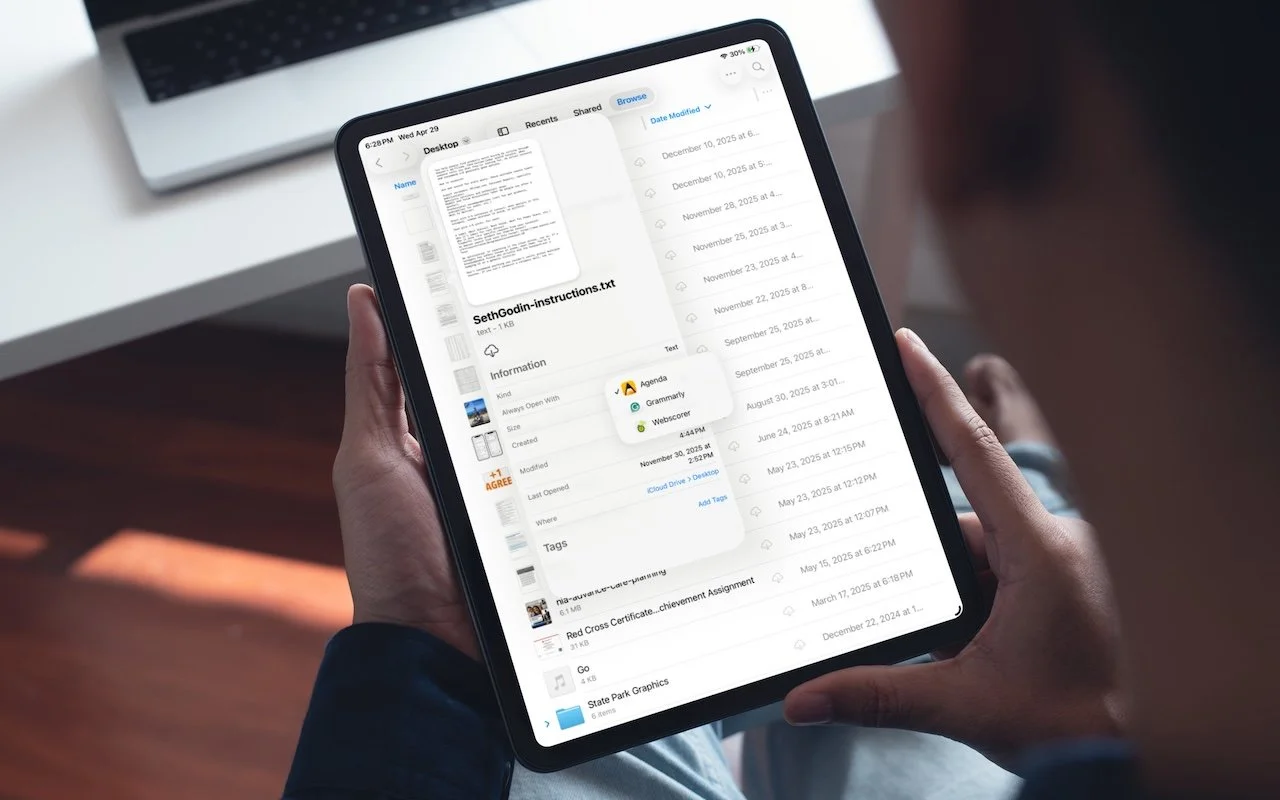
Read MoreiOS 26 and iPadOS 26 finally let you choose which app opens your files—just like on the Mac. Here’s how to use Open With and set new defaults in the Files app.
Read MoreApple Music’s new Playlist Playground in iOS 26.4 uses AI to create custom playlists based on any mood, genre, or activity you describe. Just type what you’re in the mood for and let the app do the rest.
Read More
Two major iPhone exploit kits—DarkSword and Coruna—can steal passwords, messages, and photos from everyday users who visit an infected website. Check your iOS version and update immediately to protect yourself.
Read More
Tired of typing credit card numbers into websites and apps that don’t support Apple Pay? iOS 26 lets you save cards in Wallet and use AutoFill to enter your payment details anywhere—here’s how to set it up and use it.
Read MoreMissing texts from unknown numbers? iOS 26 filters them into hidden lists. Here’s where to find them in the Messages app—and how to mark senders as known so you don’t miss important messages. PS: The same applies to calls in the Phone app.
Read MoreYour iPhone’s Action button can do much more than toggle Silent Mode. Try it for quick translations or voice memos—or explore the many options in Controls and Shortcuts to trigger nearly any action with a long press.
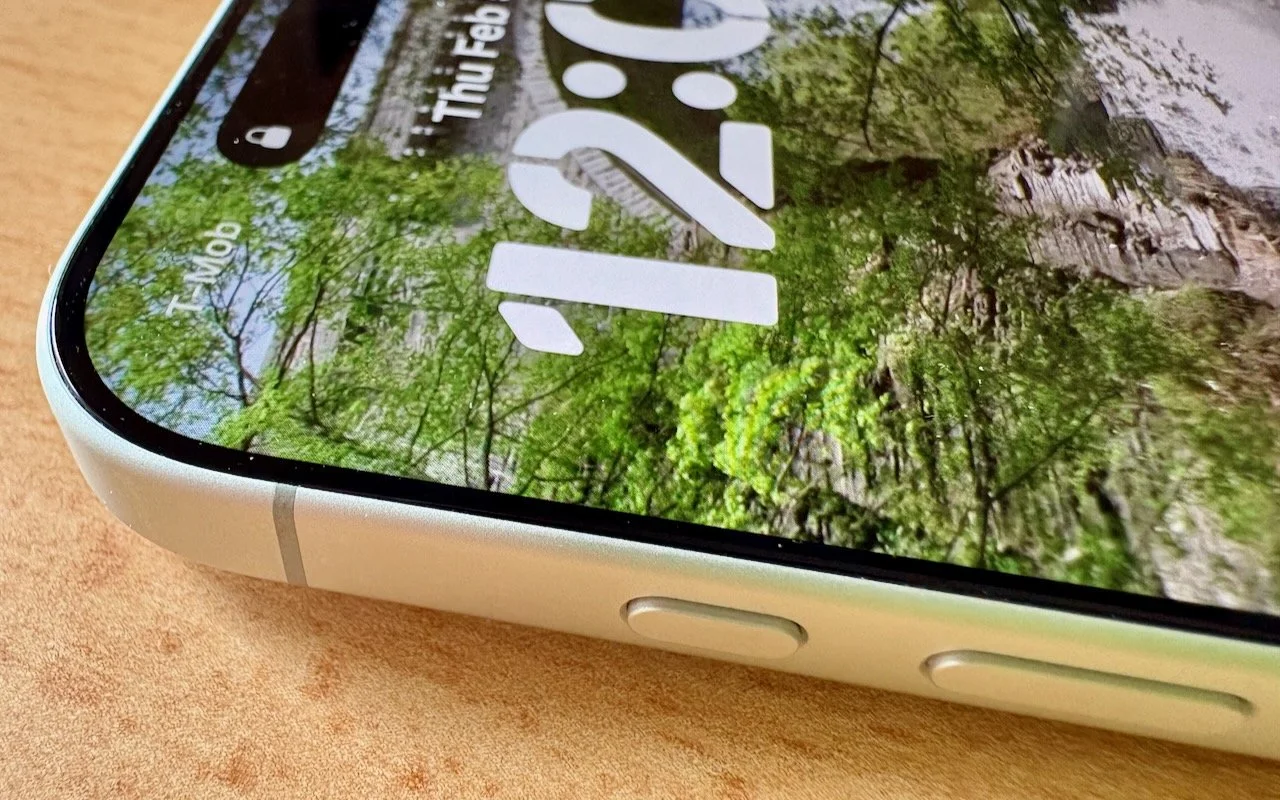
Read MoreStruggling to read the clock on your iPhone Lock Screen? iOS 26.2 lets you manually adjust the transparency—or switch to a solid background for better readability.
Read MoreApple’s new DJ‑style AutoMix transitions between songs in the Music app aren’t to everyone’s taste (and sometimes flub the jump). Here’s how to switch back to a timed Crossfade or disable transitions in Music on your iPhone, iPad, and Mac.
Read MoreTraveling across time zones? Reminders in iOS 26, iPadOS 26, and macOS 26 finally lets you set a time zone per reminder so alerts fire at the right local “wall clock” time.
Read MoreMissed a call? Keep follow‑ups from slipping through the cracks by setting a callback reminder right in the Phone app on iOS 26 and iPadOS 26.
Read MoreConversation backgrounds in Messages look cool, and they’re shared with others on iOS 26, iPadOS 26, and macOS 26 Tahoe. Pick an appropriate image and explain what you’ve done to delight your contacts rather than confusing them.
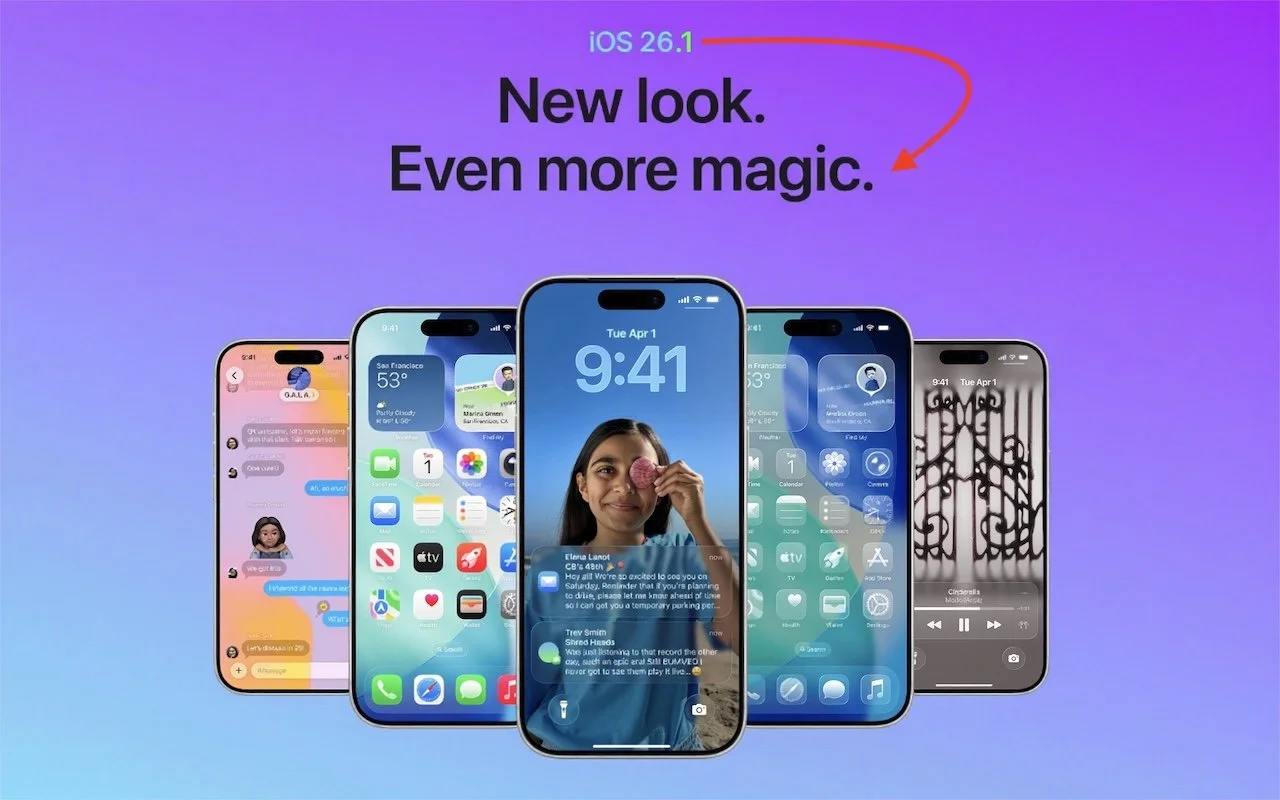
Read MoreStruggling with Liquid Glass transparency or accidental camera launches? iOS 26.1 addresses both and adds a safer slide‑to‑stop alarm control, swiping to switch songs in Music, Background Security Improvements, and more Live Translation languages.
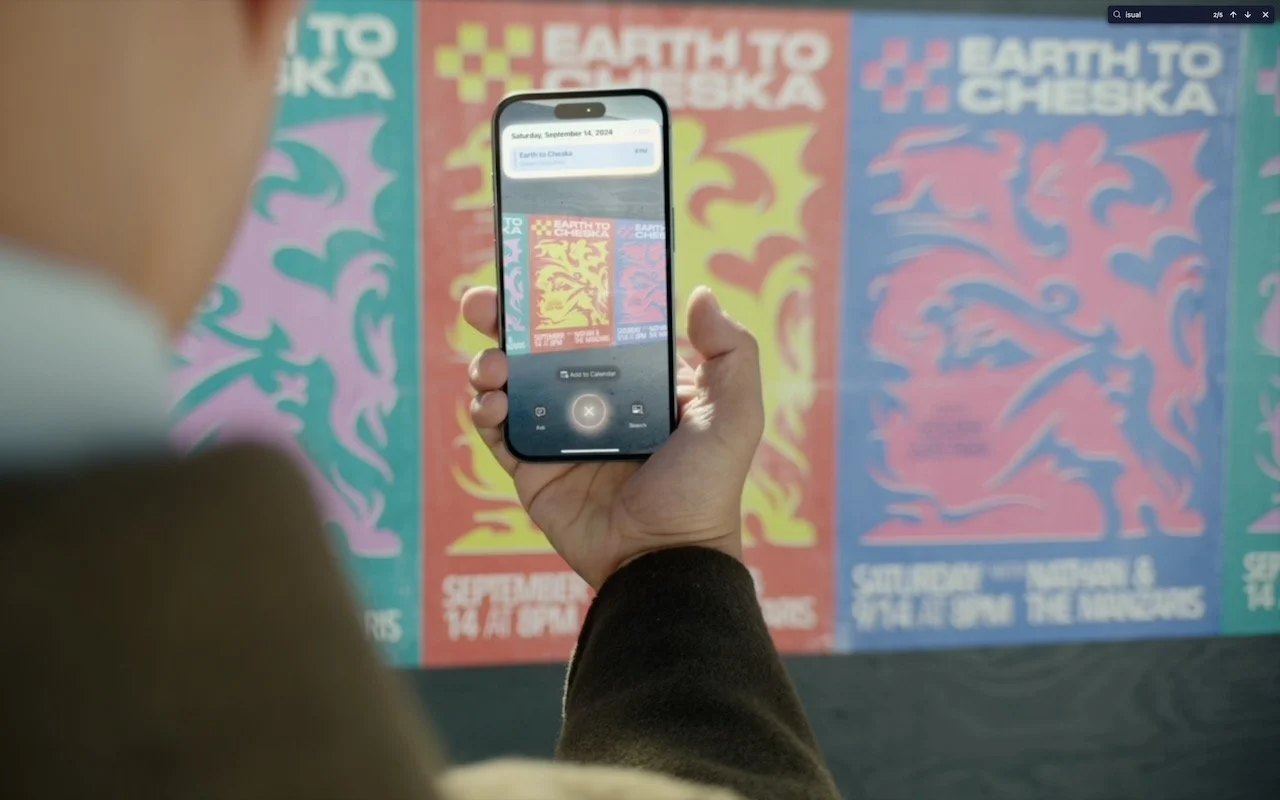
Read MoreWith its visual intelligence feature, Apple Intelligence brings superpowers to your iPhone’s camera and screen. Just point and hold to identify objects, translate text, create calendar events, and get answers about anything you see.
Read MoreApple’s Passwords app can now show your password history in macOS 26 Tahoe, iOS 26, and iPadOS 26, helping you track down why that “correct” password isn’t working.
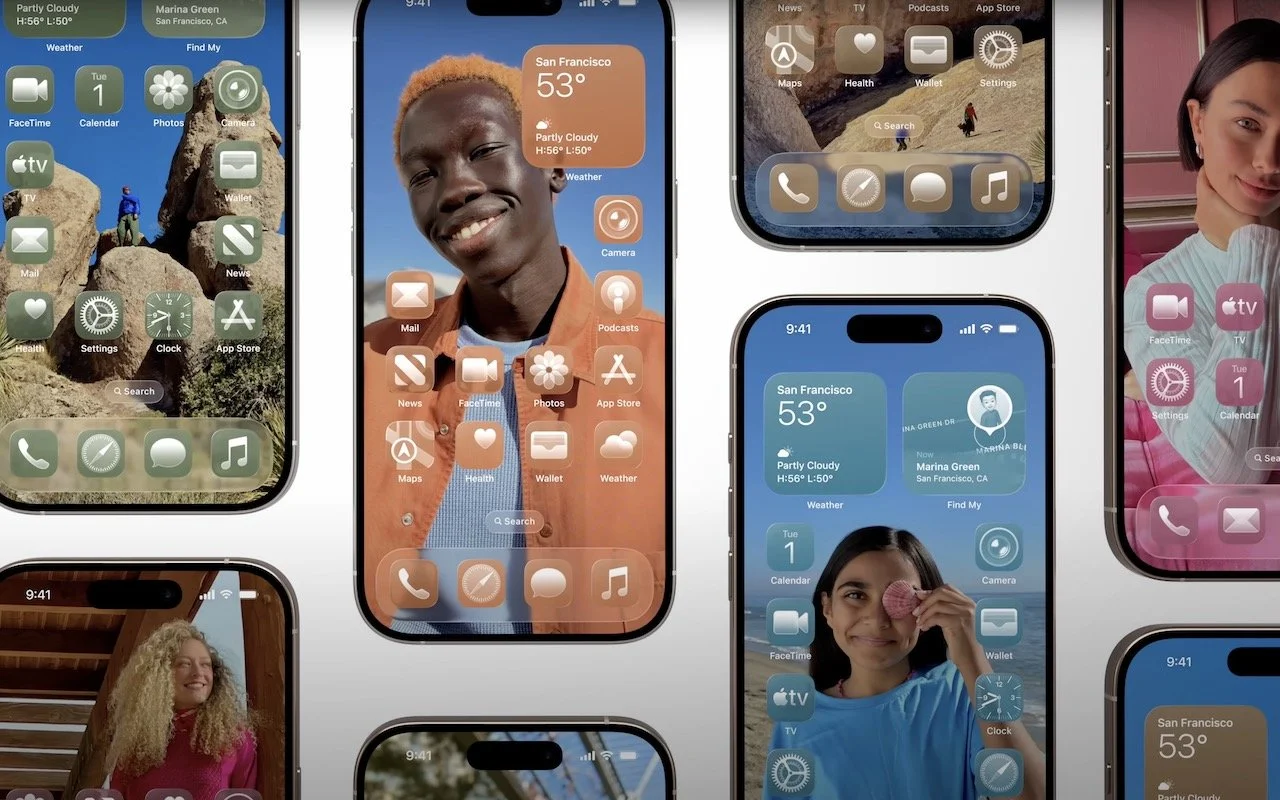
Read MoreApple’s new Liquid Glass design lets you make iPhone and iPad icons and widgets dark, clear, or tinted. Discover how to access these customization options and see if they enhance your Home Screen.
Read MoreiOS 26 supercharges the Phone app with call screening, live translation, and hold music detection. But that’s not all! You can make calls from a Mac or iPad, share your screen during calls, see a contact’s call history, and more.
Read MoreApple’s new Liquid Glass interface brings semi-transparent, floating controls to all your devices. Here’s what that means and how to customize it to optimize your experience.
Read More