Heat Wave Survival Guide for Your Apple Devices
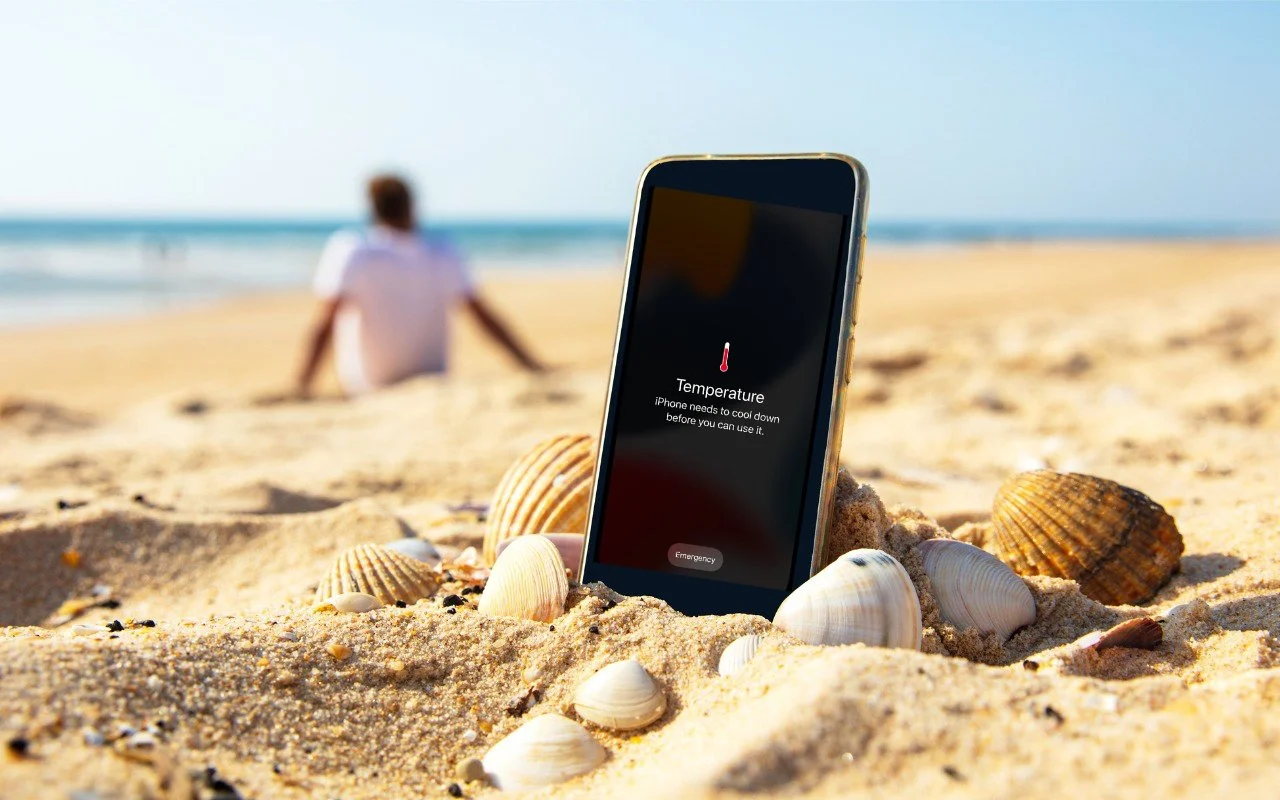
/Think your Apple devices can handle the summer heat? Think again. Discover how high temperatures can damage your iPhone, iPad, and Mac—and what you can do to keep them safe.
Read MoreThink your Apple devices can handle the summer heat? Think again. Discover how high temperatures can damage your iPhone, iPad, and Mac—and what you can do to keep them safe.
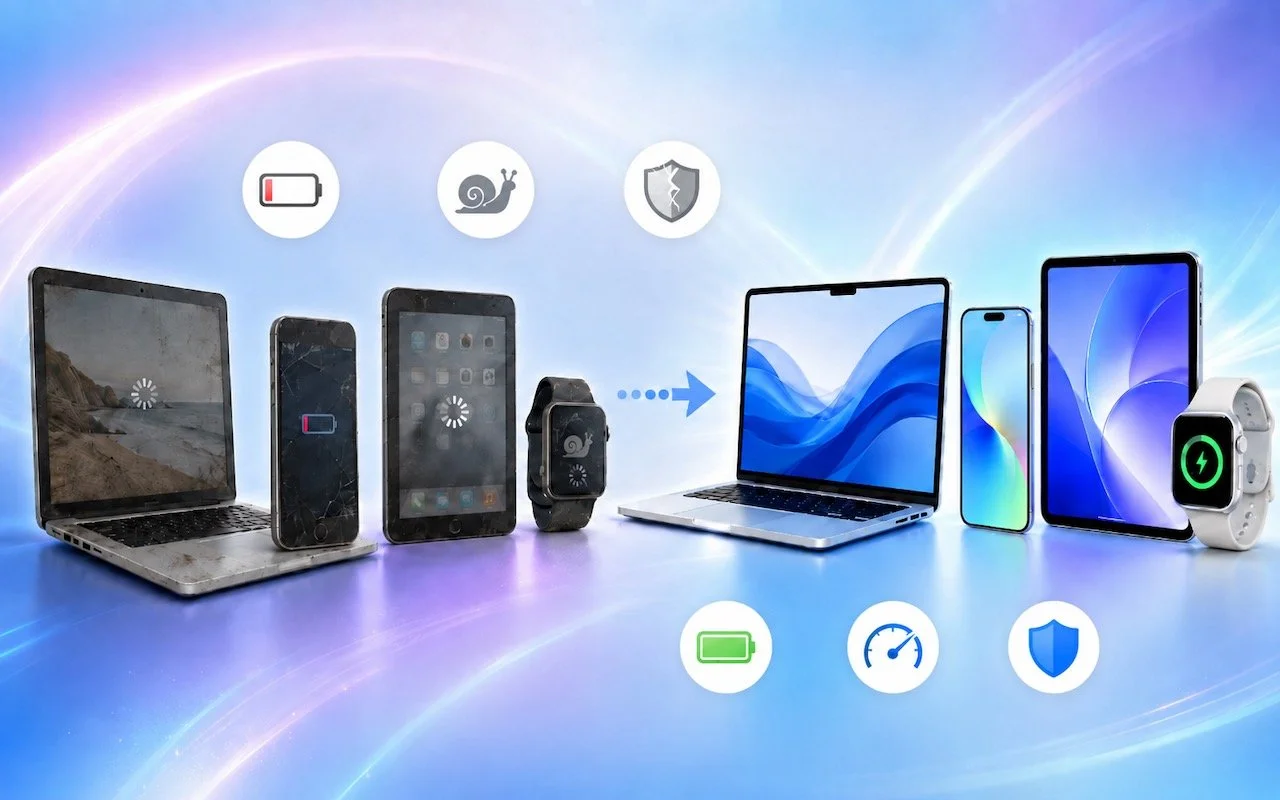
Read MoreApple’s March 2026 refresh brings MagSafe to the iPhone 17e, the M4 chip to the iPad Air, the M5 to the MacBook Air, and the new M5 Pro and M5 Max to the MacBook Pro—plus doubled storage on most models. Here’s what’s new and who should upgrade.
Read MoreApple’s Focus can silence distractions when you need quiet time, but its complexity can cause you to miss important notifications. Learn how to configure it safely—and avoid the pitfalls that lead to missed calls and messages.
Read More
Apple makes it easy to share Wi-Fi passwords without requiring anyone to type them. We explain how you can do this nearly automatically, with a QR code, or by looking up the password and copying it so you can paste it into an email message or text.
Read MoreApple’s new Creator Studio bundle includes Final Cut Pro, Logic Pro, Pixelmator Pro, and more—plus premium content and AI features in the iWork apps—for $12.99/month or $129/year. Don’t worry—Keynote, Pages, and Numbers stay free for existing features.
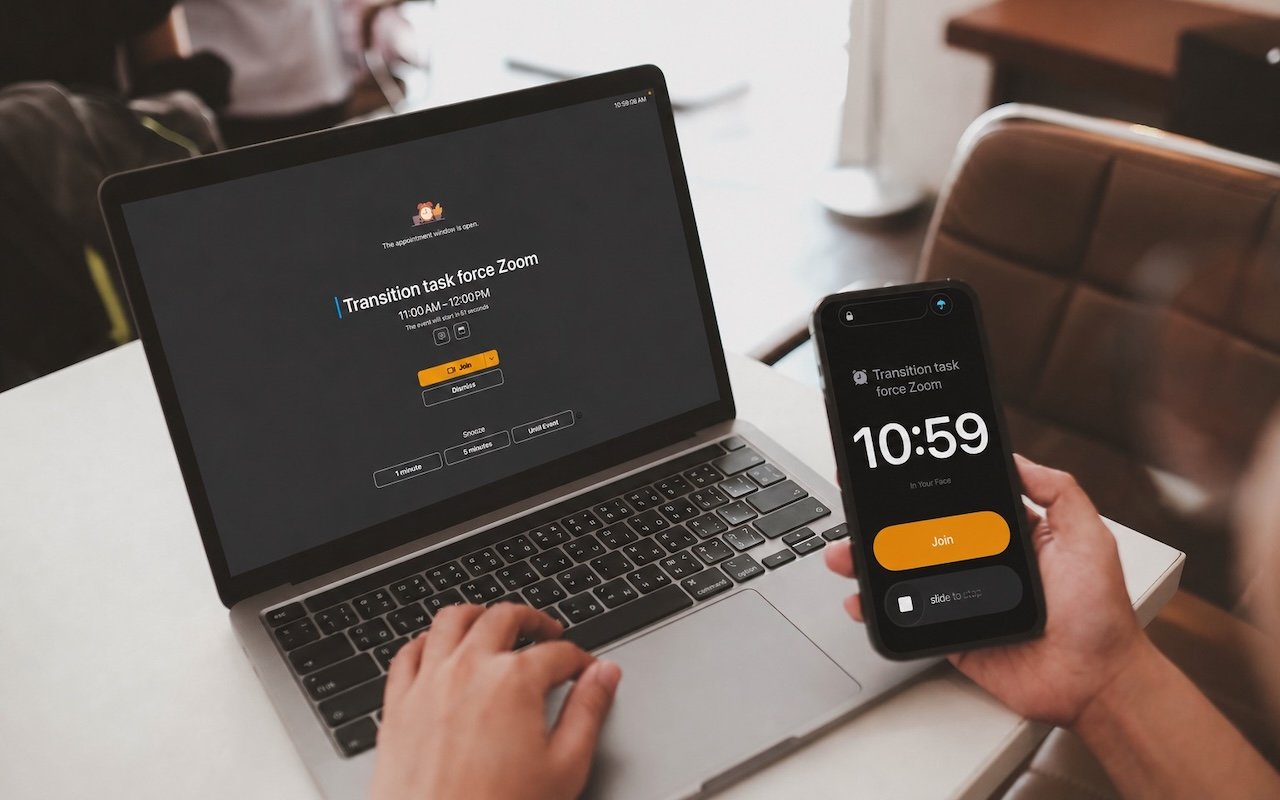
Read MoreApple’s Reminders app offers more than simple notifications—from location-based alerts to the new alarm feature in iOS 26.2, here’s how to make sure you never miss an important task.
Read MoreTraveling across time zones? Reminders in iOS 26, iPadOS 26, and macOS 26 finally lets you set a time zone per reminder so alerts fire at the right local “wall clock” time.
Read MoreMissed a call? Keep follow‑ups from slipping through the cracks by setting a callback reminder right in the Phone app on iOS 26 and iPadOS 26.
Read MoreConversation backgrounds in Messages look cool, and they’re shared with others on iOS 26, iPadOS 26, and macOS 26 Tahoe. Pick an appropriate image and explain what you’ve done to delight your contacts rather than confusing them.
Read MoreiPadOS 26 finally brings Mac‑style multitasking to the iPad. Learn how to enable windowed apps, use the new menu bar, work with windows, and master Slide Over (back in iPadOS 26.1) for faster workflows.
Read MoreShopping for an Apple enthusiast this holiday season? Or maybe your own tech setup needs an upgrade? Check out our curated list of peripherals across multiple categories—from storage to chargers to keyboards.
Read MoreApple’s Passwords app can now show your password history in macOS 26 Tahoe, iOS 26, and iPadOS 26, helping you track down why that “correct” password isn’t working.
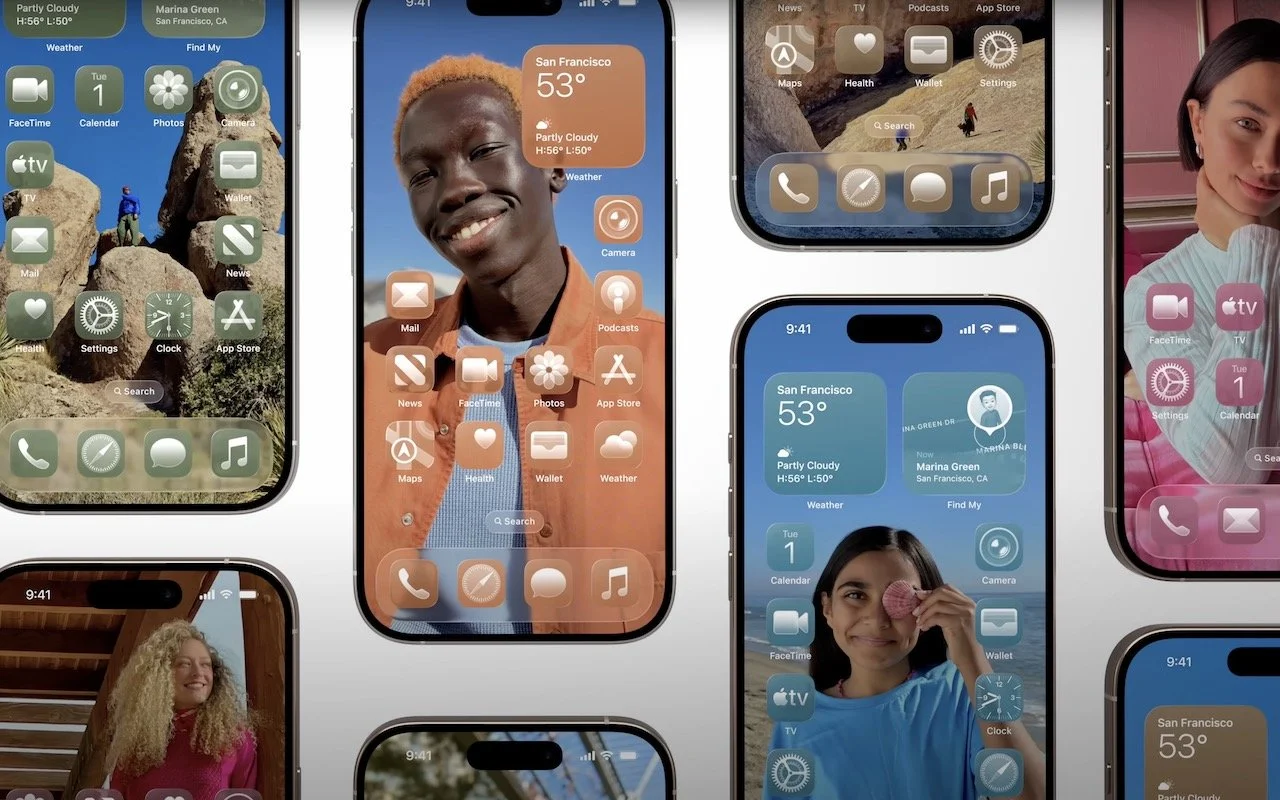
Read MoreApple’s new Liquid Glass design lets you make iPhone and iPad icons and widgets dark, clear, or tinted. Discover how to access these customization options and see if they enhance your Home Screen.
Read MoreApple’s new Liquid Glass interface brings semi-transparent, floating controls to all your devices. Here’s what that means and how to customize it to optimize your experience.
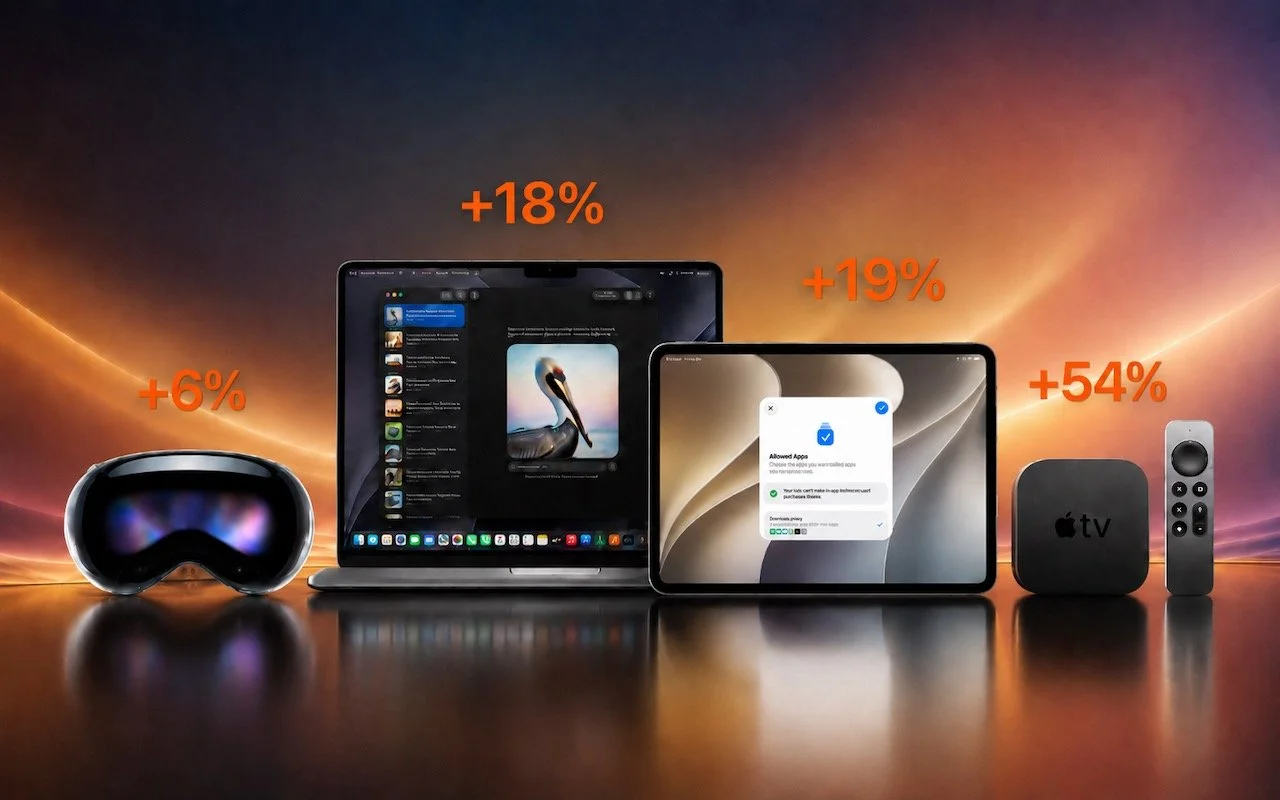
Read MoreApple has brought its new M5 chip to the MacBook Pro, iPad Pro, and Vision Pro, boosting performance but changing little else. The updates maintain existing designs and price points.
Read MoreWondering if AppleCare is worth it for your Apple devices? Get clear guidance on coverage options, including details about the new AppleCare One plan that could save you money.
Read MoreIf your iPhone 16 or A17 Pro iPad mini gets stuck during an update, Apple’s new recovery feature lets you use a nearby iPhone or iPad to get back up and running.
Read MoreApple’s new AppleCare One plan allows you to cover multiple devices under a single subscription and even add devices up to 4 years old. At $19.99 per month for three devices, it could save you money and simplify your AppleCare coverage.
Read MoreMake accessing your iPhone, iPad, and Mac easier for trusted family members by setting them up so they can use Touch ID or Face ID.
Read MoreAt its Worldwide Developer Conference, Apple unveiled the first major interface change to its operating systems in many years, along with a boatload of new features, many powered by Apple Intelligence. Here are a few of our favorites.
Read More