Automate Your Mac with Folder Action Scripts
/Automate Mac file chores like moving, renaming, or tagging files with folder action scripts that run whenever files change. You can even get an AI chatbot to write the script for you.
Read MoreAutomate Mac file chores like moving, renaming, or tagging files with folder action scripts that run whenever files change. You can even get an AI chatbot to write the script for you.
Read MoreSpeed up your Mac’s startup, reduce conflicts, and improve security by cleaning out old login items. It takes just a minute in System Settings.
Read MoreKick off 2026 with smart security habits: back up every device, stay current on software updates, outsmart phishing attempts, avoid sketchy sites, and streamline your logins with a password manager.
Read MoreLost your MacBook charger? Don’t grab just any USB power adapter—using one that’s too weak can result in no charging, glacial charging, or battery drain while you work. Here’s the minimum wattage you need for each MacBook model.
Read MoreShopping for an Apple enthusiast this holiday season? Or maybe your own tech setup needs an upgrade? Check out our curated list of peripherals across multiple categories—from storage to chargers to keyboards.
Read MoremacOS 26 Tahoe brings a new Recovery Assistant, which automatically detects and attempts to resolve Mac problems. Just remember: automated recovery can be helpful, but backups are still essential.
Read MoreApple’s Passwords app can now show your password history in macOS 26 Tahoe, iOS 26, and iPadOS 26, helping you track down why that “correct” password isn’t working.
Read MoreFrom transparent menu bars to customized folders, macOS 26 Tahoe introduces the most significant visual update in years. Discover the key interface changes that will influence your daily Mac use... and which you can turn off.
Read MoreApple’s new Liquid Glass interface brings semi-transparent, floating controls to all your devices. Here’s what that means and how to customize it to optimize your experience.
Read MoreApple has brought its new M5 chip to the MacBook Pro, iPad Pro, and Vision Pro, boosting performance but changing little else. The updates maintain existing designs and price points.
Read MoremacOS 15 Sequoia has a new way you can keep your hands on the keyboard. Press Control-Return to open contextual menus—no mouse required. Try it out and speed up your workflow on your Mac.
Read MoreHaving Mac problems? Before trying more complex solutions, restart in safe mode—your Mac’s stripped-down troubleshooting environment. It disables non-essential software and clears system caches to help identify and resolve common issues.
Read MoreApple’s new AppleCare One plan allows you to cover multiple devices under a single subscription and even add devices up to 4 years old. At $19.99 per month for three devices, it could save you money and simplify your AppleCare coverage.
Read MoreWhich Mac is best for a college student in 2025? Our short answer is either the 13-inch or 15-inch M4 MacBook Air. However, students with substantial processing needs (such as audio or video editing) might want to consider the 14-inch MacBook Pro.
Read MoreMake accessing your iPhone, iPad, and Mac easier for trusted family members by setting them up so they can use Touch ID or Face ID.
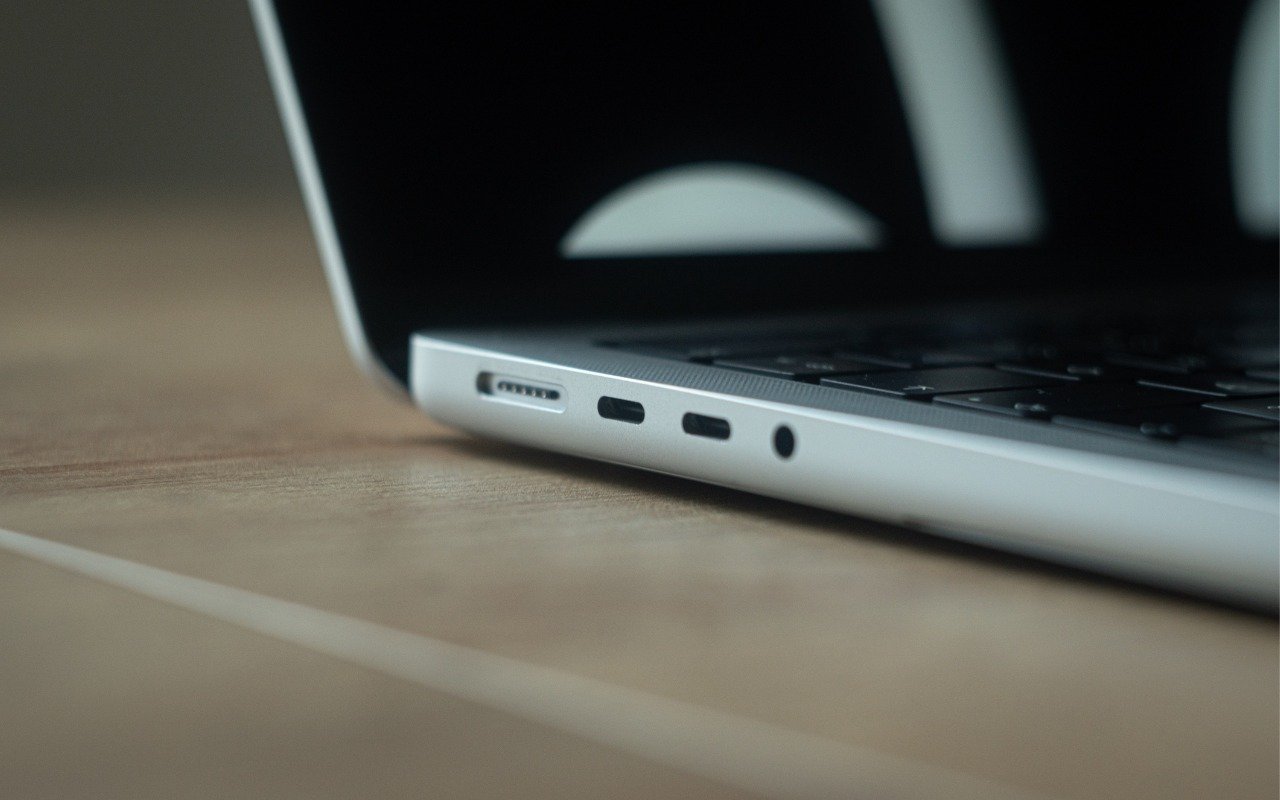
Read MoreIf your Apple silicon Mac won’t boot from an external drive, the issue may be related to which USB-C port you’re using—the special DFU port cannot be used for booting from external drives. Learn how to identify that port on your Mac.
Read MoreIf, like us, you’ve been eager to try the Apple Intelligence-enhanced version of Siri that Apple announced at its Worldwide Developer Conference in 2024, we’re sorry to say that we all have longer to wait.
Read MoreThe new iPhone Mirroring app in macOS 15 Sequoia lets you use your iPhone running iOS 18 in a window on your Mac. It’s a welcome feature that offers the possibility of increased productivity and fewer distractions.
Read MoreApple has started moving the Mac lineup to the M4 family of chips with the updated iMac, redesigned Mac mini, and enhanced MacBook Pro. They’re great machines, particularly for those who need to upgrade from an Intel-based Mac.
Read MoreAlthough videoconferencing has become a part of everyday life for lots of us, many people don’t realize that macOS provides helpful options for improving our video, audio, and presentations.
Read More