Create Reminders to Return Calls Directly in the Phone App
/Missed a call? Keep follow‑ups from slipping through the cracks by setting a callback reminder right in the Phone app on iOS 26 and iPadOS 26.
Read MoreMissed a call? Keep follow‑ups from slipping through the cracks by setting a callback reminder right in the Phone app on iOS 26 and iPadOS 26.
Read MoreConversation backgrounds in Messages look cool, and they’re shared with others on iOS 26, iPadOS 26, and macOS 26 Tahoe. Pick an appropriate image and explain what you’ve done to delight your contacts rather than confusing them.
Read MoreBuried by spam calls and texts—but worried about missing something important? Learn how Apple’s new Phone and Messages apps can screen and filter calls and texts without causing you to miss that doctor’s call or delivery text.
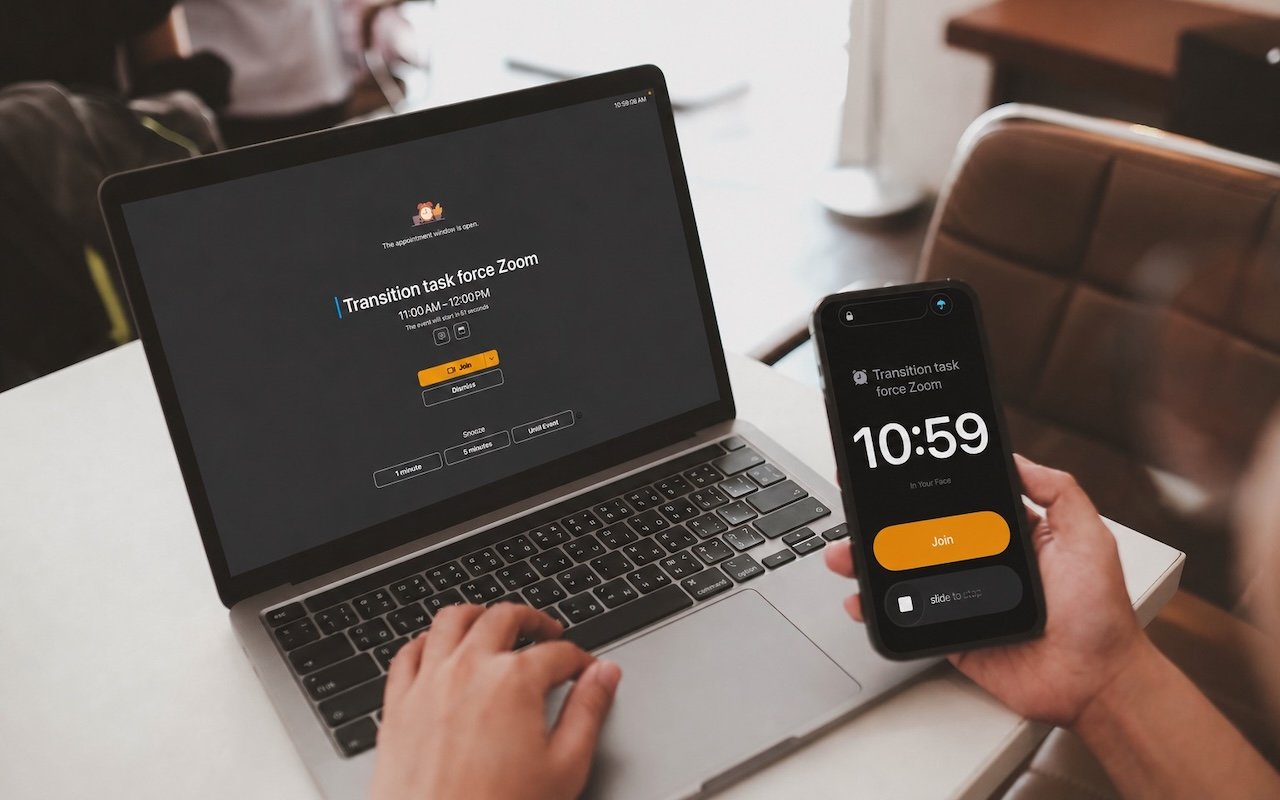
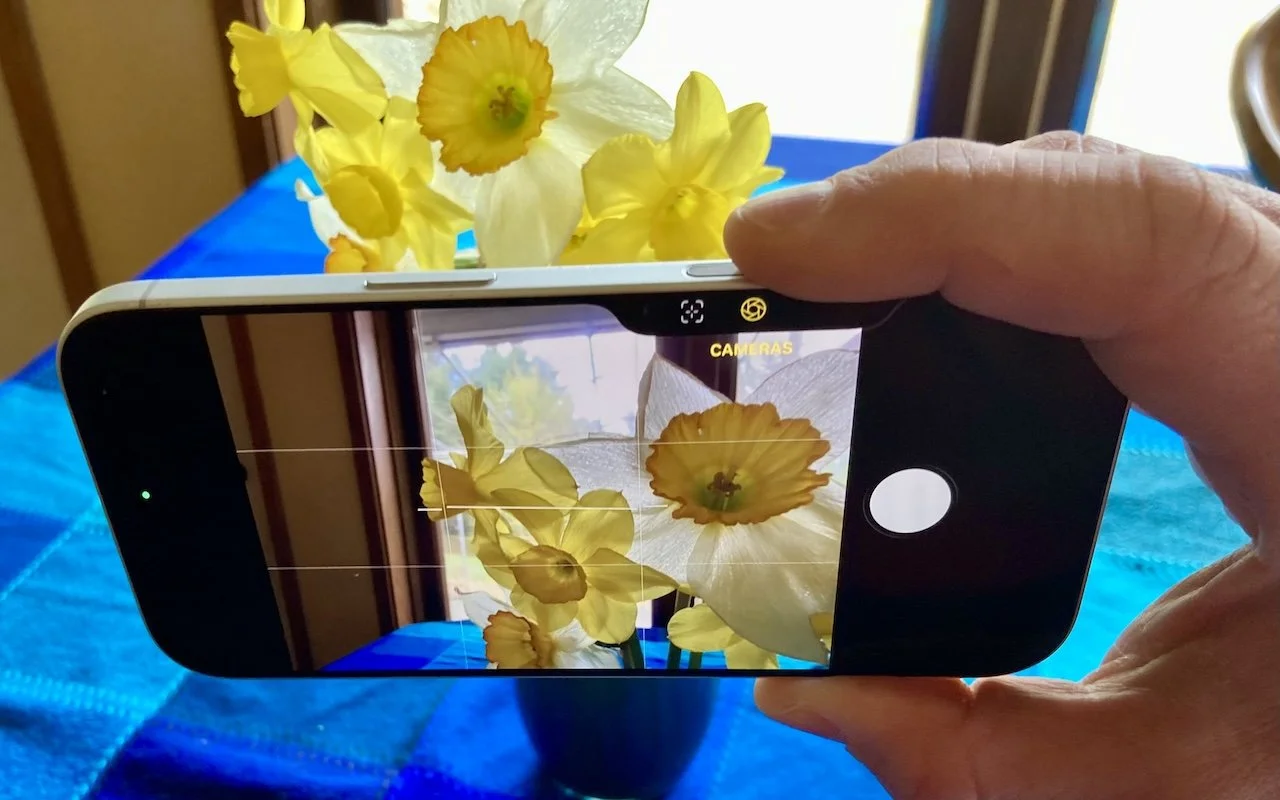
Read MoreStruggling with Liquid Glass transparency or accidental camera launches? iOS 26.1 addresses both and adds a safer slide‑to‑stop alarm control, swiping to switch songs in Music, Background Security Improvements, and more Live Translation languages.
Read MoreShopping for an Apple enthusiast this holiday season? Or maybe your own tech setup needs an upgrade? Check out our curated list of peripherals across multiple categories—from storage to chargers to keyboards.
Read MoreWith its visual intelligence feature, Apple Intelligence brings superpowers to your iPhone’s camera and screen. Just point and hold to identify objects, translate text, create calendar events, and get answers about anything you see.
Read MoreApple’s Passwords app can now show your password history in macOS 26 Tahoe, iOS 26, and iPadOS 26, helping you track down why that “correct” password isn’t working.
Read MoreApple’s new Liquid Glass design lets you make iPhone and iPad icons and widgets dark, clear, or tinted. Discover how to access these customization options and see if they enhance your Home Screen.
Read MoreiOS 26 supercharges the Phone app with call screening, live translation, and hold music detection. But that’s not all! You can make calls from a Mac or iPad, share your screen during calls, see a contact’s call history, and more.
Read MoreNew App Store Accessibility Nutrition Labels show which apps support Apple’s accessibility features—a win for anyone who needs these capabilities now or in the future.
Read MoreApple’s new Liquid Glass interface brings semi-transparent, floating controls to all your devices. Here’s what that means and how to customize it to optimize your experience.
Read MoreWant to display your contacts with the last name shown first? Here’s how to configure your iPhone, iPad, and Mac to display “Anderson, Andy” instead of “Andy Anderson.”
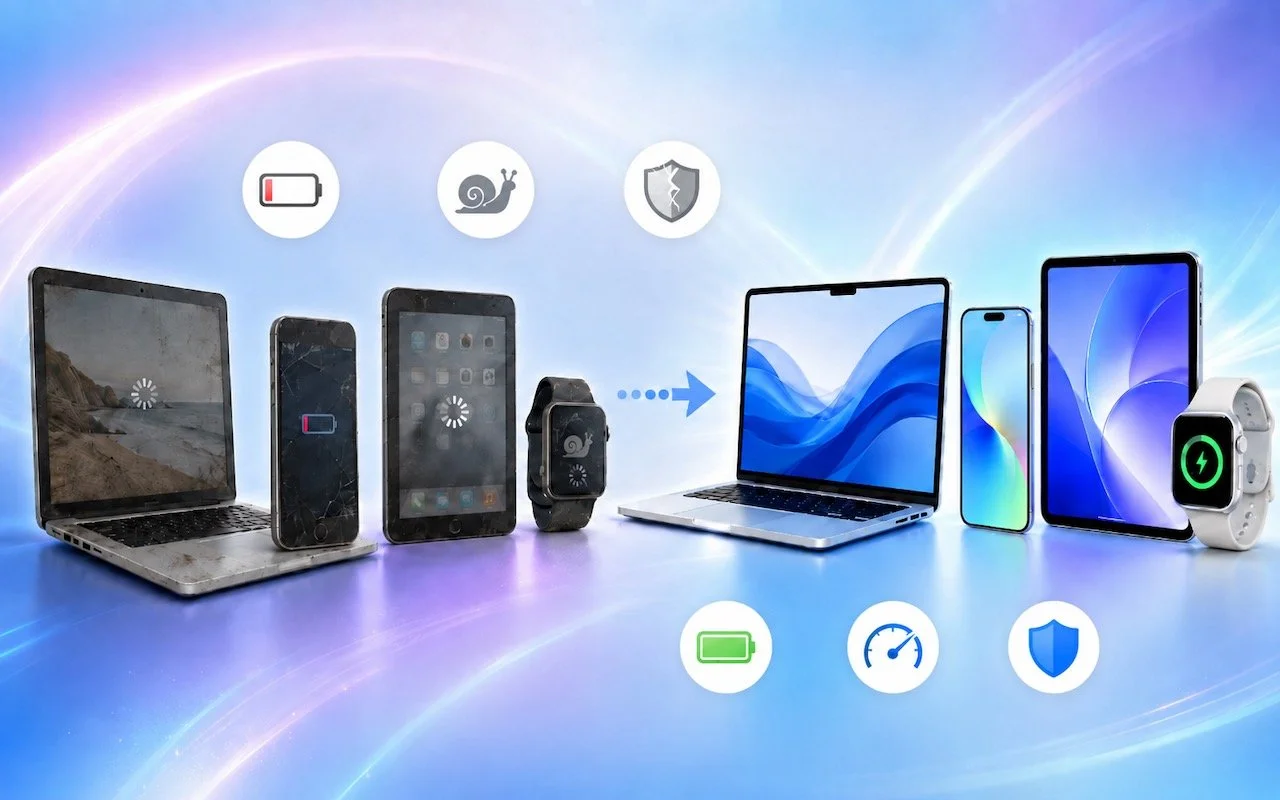
Read MoreIt’s exciting to get a new iPhone, but don’t dive in willy-nilly. Instead, take a few minutes to read our advice on what you should do before and after transferring your data from your old iPhone.
Read MoreWondering if AppleCare is worth it for your Apple devices? Get clear guidance on coverage options, including details about the new AppleCare One plan that could save you money.
Read MoreIf your iPhone 16 or A17 Pro iPad mini gets stuck during an update, Apple’s new recovery feature lets you use a nearby iPhone or iPad to get back up and running.
Read MoreApple’s new AppleCare One plan allows you to cover multiple devices under a single subscription and even add devices up to 4 years old. At $19.99 per month for three devices, it could save you money and simplify your AppleCare coverage.
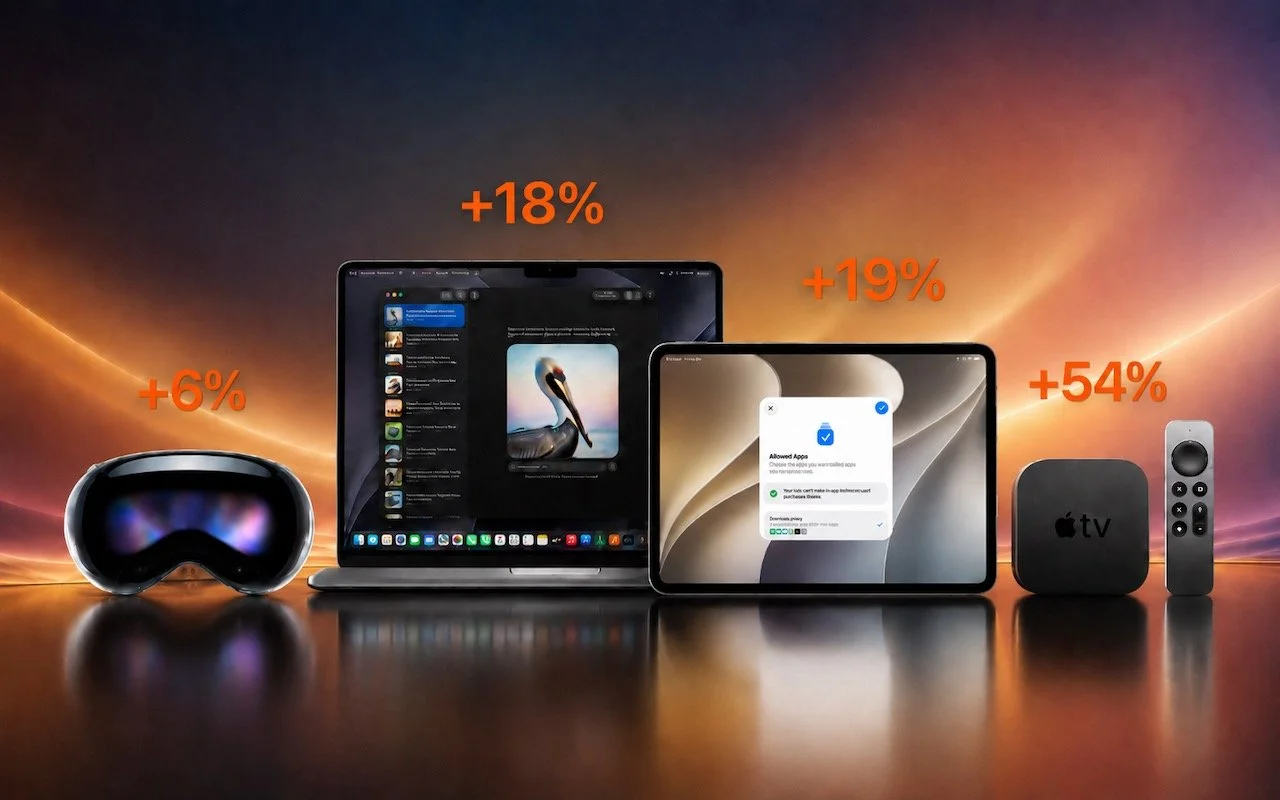
Read MoreApple’s September harvest brings the new iPhone 17 lineup and the iPhone Air, three new Apple Watch models, and the AirPods Pro 3, plus release dates for iOS 26 and macOS 26 Tahoe. Get the details and our upgrade advice.
Read MoreWhen storms knock out cell networks or hiking takes you off-grid, you can now text via satellite if you have an iPhone 14, 15, or 16 running iOS 18. Learn how Messages via satellite lets you stay connected when cell networks fail or aren’t available.
Read MoreAnker has issued major recalls for six power bank models due to fire risk. If you own an Anker power bank, check if yours is affected, even if it seems to be working fine. The company is offering free replacements or gift cards.
Read MoreThe threat of tariffs raising iPhone prices has prompted many upgrades to the iPhone 16 lineup. For those new to Face ID—or anyone who isn’t familiar with it—we have an app-switching tip that everyone should know and use.
Read More