App Store Gains Accessibility Nutrition Labels
/
New App Store Accessibility Nutrition Labels show which apps support Apple’s accessibility features—a win for anyone who needs these capabilities now or in the future.
Read MoreNew App Store Accessibility Nutrition Labels show which apps support Apple’s accessibility features—a win for anyone who needs these capabilities now or in the future.
Read MoreApple’s new Liquid Glass interface brings semi-transparent, floating controls to all your devices. Here’s what that means and how to customize it to optimize your experience.
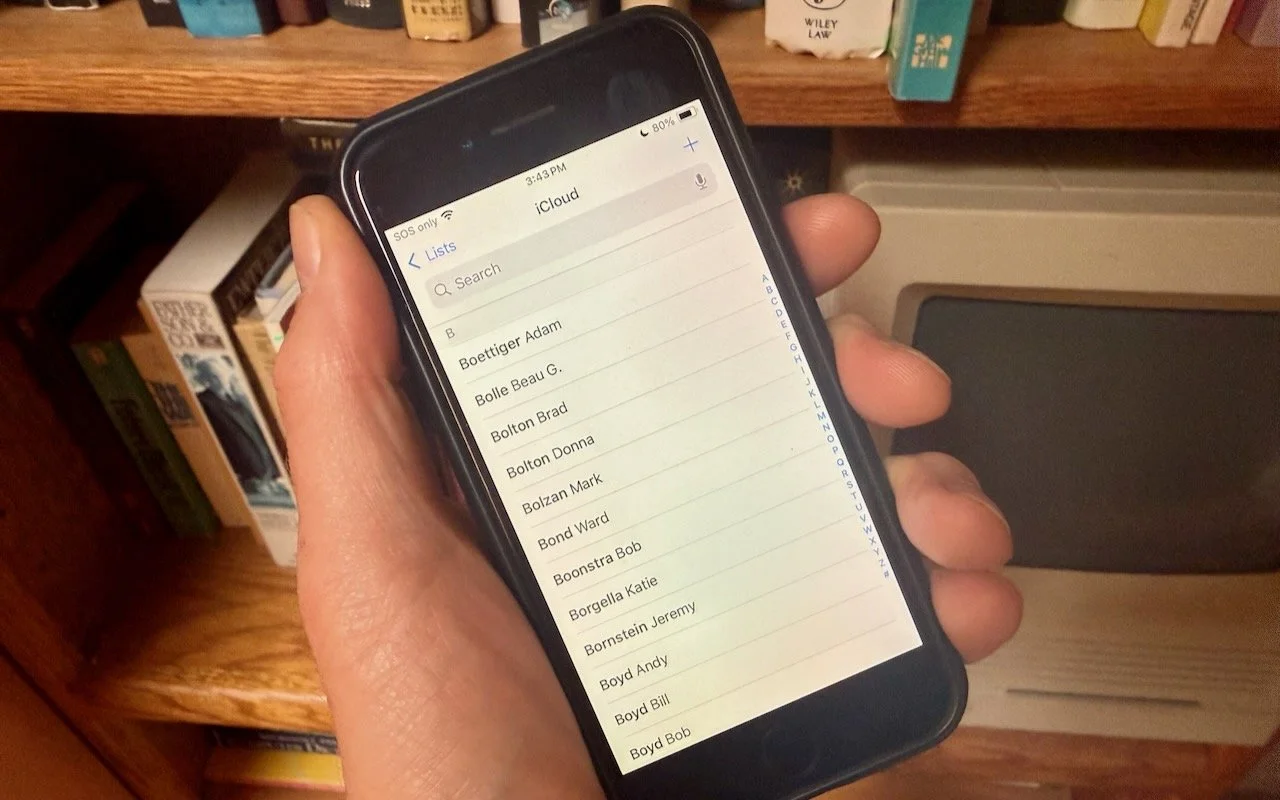
Read MoreWant to display your contacts with the last name shown first? Here’s how to configure your iPhone, iPad, and Mac to display “Anderson, Andy” instead of “Andy Anderson.”
Read MoreWhen should you trust an AI chatbot’s tech advice? Learn when chatbots can help with basic issues and when it’s time to call a professional for more complex problems.
Read MoreDon’t let sensitive business data become part of AI training sets. Here’s how to turn off training options in popular AI chatbots to protect your company’s information.
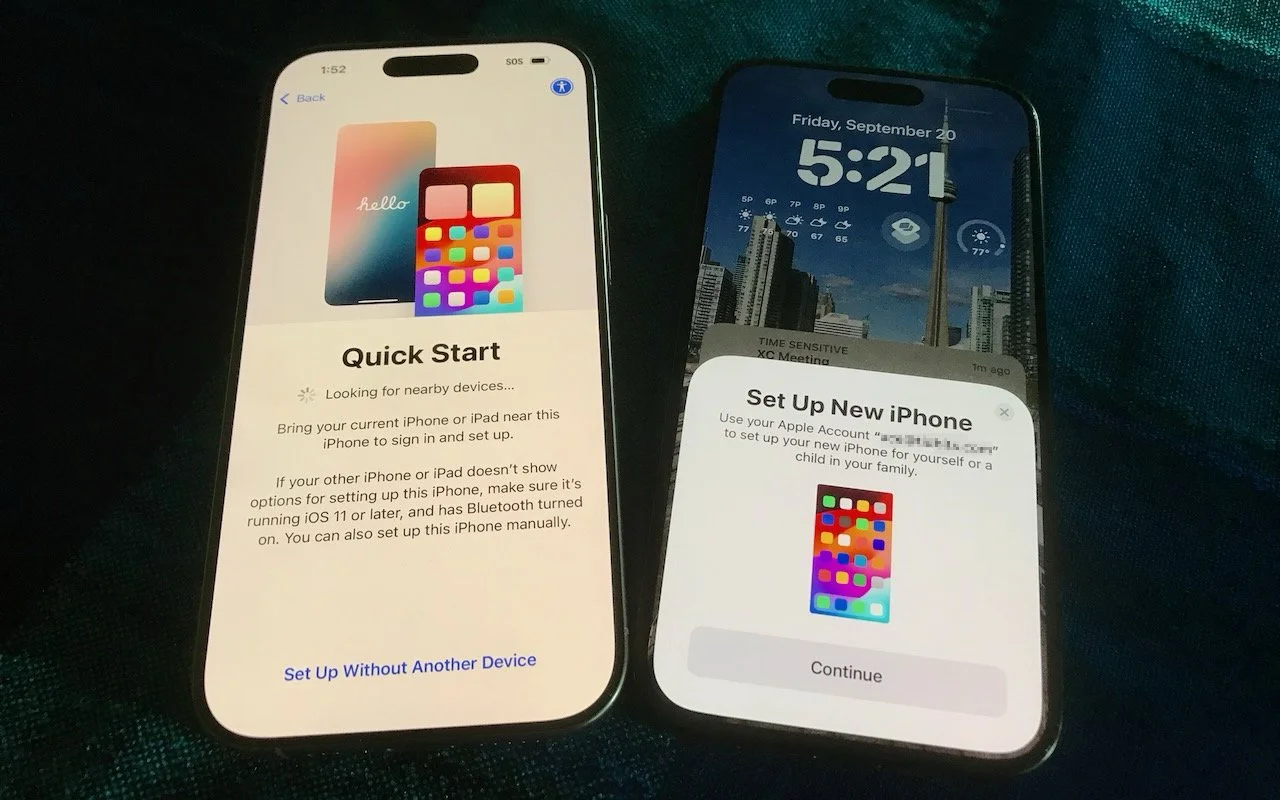
Read MoreIt’s exciting to get a new iPhone, but don’t dive in willy-nilly. Instead, take a few minutes to read our advice on what you should do before and after transferring your data from your old iPhone.
Read MoreApple restored blood oxygen monitoring on recent US Apple Watch models through a creative workaround that processes and displays data on the iPhone instead of the watch. Here’s how to get it working again.
Read MoreApple has brought its new M5 chip to the MacBook Pro, iPad Pro, and Vision Pro, boosting performance but changing little else. The updates maintain existing designs and price points.
Read MoreIn virtual meetings, AI recording tools often capture and share everything—even those casual chats that occur after most attendees have left. Learn how to avoid having sensitive conversations broadcast to your whole team.
Read MoreApple has raised the price of an Apple TV+ monthly subscription to $12.99. However, if you plan to keep the subscription active for the entire year, you can save $56 by switching to the $99 yearly plan.
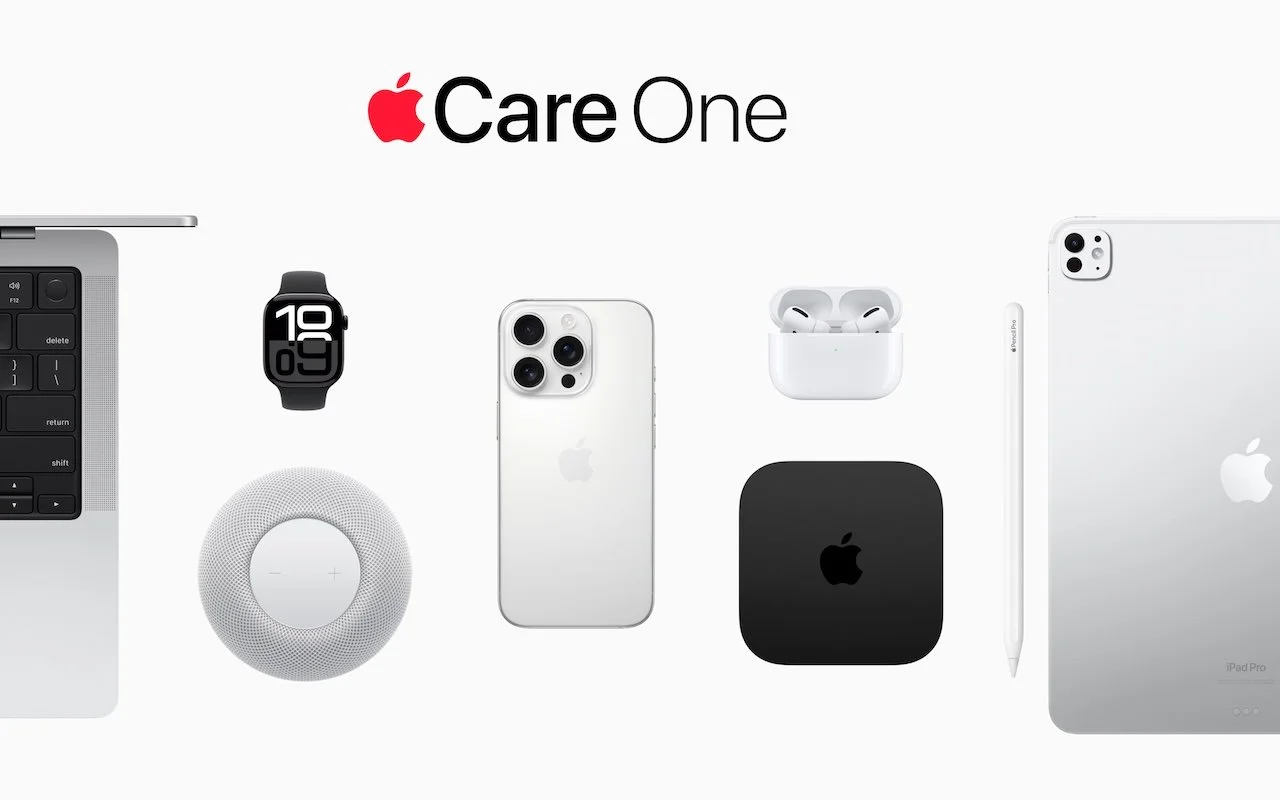
Read MoreWondering if AppleCare is worth it for your Apple devices? Get clear guidance on coverage options, including details about the new AppleCare One plan that could save you money.
Read MoremacOS 15 Sequoia has a new way you can keep your hands on the keyboard. Press Control-Return to open contextual menus—no mouse required. Try it out and speed up your workflow on your Mac.
Read MoreHaving Mac problems? Before trying more complex solutions, restart in safe mode—your Mac’s stripped-down troubleshooting environment. It disables non-essential software and clears system caches to help identify and resolve common issues.
Read MoreIf your iPhone 16 or A17 Pro iPad mini gets stuck during an update, Apple’s new recovery feature lets you use a nearby iPhone or iPad to get back up and running.
Read MoreThink you can spot a tech support scam? Today’s fraudsters are using everything from spoofed caller ID to manipulated search results. Here’s what to watch for and how to stay safe.
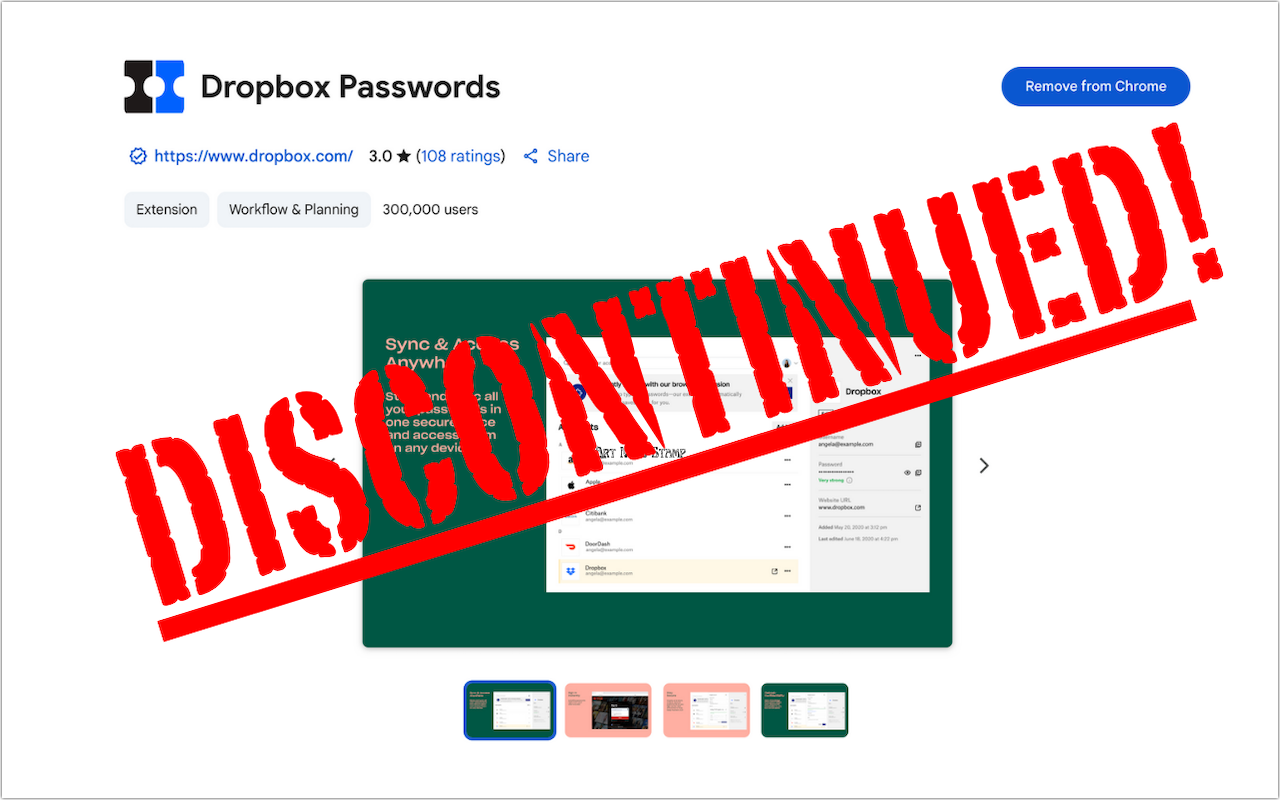
Read MoreDropbox Passwords will shut down on October 28, 2025. Switch to 1Password or another password manager now to avoid losing your stored credentials.
Read MoreApple’s new AppleCare One plan allows you to cover multiple devices under a single subscription and even add devices up to 4 years old. At $19.99 per month for three devices, it could save you money and simplify your AppleCare coverage.
Read MoreDon’t let poor ergonomics get in the way of getting your work done. Get expert advice on adjusting your chair, positioning your display, and arranging your desk to prevent discomfort and boost productivity at your Mac.
Read MoreApple’s September harvest brings the new iPhone 17 lineup and the iPhone Air, three new Apple Watch models, and the AirPods Pro 3, plus release dates for iOS 26 and macOS 26 Tahoe. Get the details and our upgrade advice.
Read MoreA clever new scam masquerades as a CAPTCHA test, asking users to paste text into Terminal to prove they’re human. Instead, it installs malware designed to steal passwords, browser data, and other sensitive information.
Read More