How to Train Yourself to Use the iPhone 16’s New Camera Control Button
/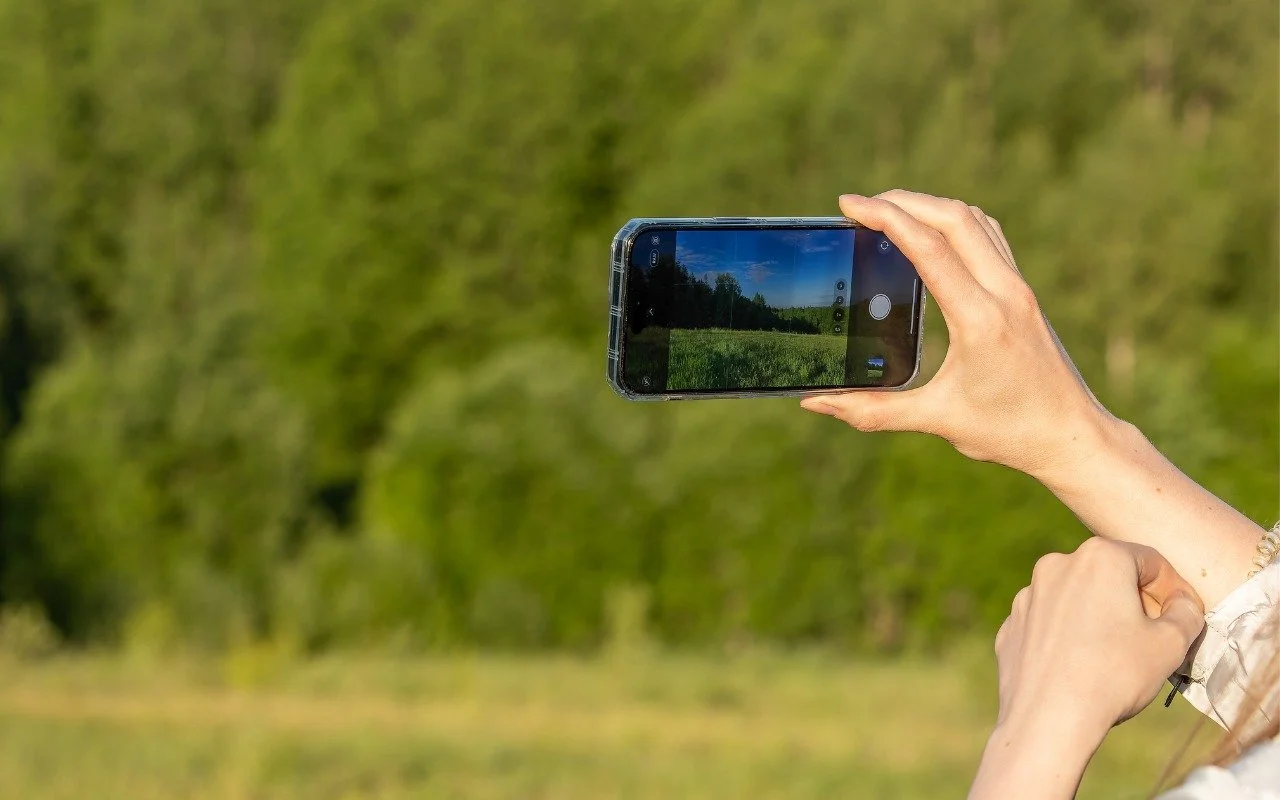
The iPhone 16’s new Camera Control button is a welcome shortcut, but you may need to retrain your brain so you remember to use it.
Read MoreThe iPhone 16’s new Camera Control button is a welcome shortcut, but you may need to retrain your brain so you remember to use it.
Read MoreIf you receive what looks like a copyright infringement message complaining about an image on your website, don’t panic—it might be a scam. We help you identify such scams and explain what to do if the message turns out to be real.
Read MoreThose who are disconcerted by dragged windows suddenly resizing accidentally in macOS 15 Sequoia, take note: you can tweak settings to make Sequoia’s new window tiling feature activate only when you want.
Read MoreRegardless of whether an employee is leaving voluntarily or being terminated, it’s essential to walk them through a systematic offboarding process to revoke their digital access, retrieve devices, and preserve organizational data. We have thoughts.
Read MoreIn macOS 15.2 Sequoia, you can display the current weather conditions in your Mac’s menu bar. Here’s how to enable that feature.
Read MoreWhen should you upgrade to macOS 15 Sequoia? There’s no need to install it today, but we think it’s safe for those who want to take advantage of the new features and integration with Apple’s other operating systems.
Read MoreMicrosoft Office apps save documents in the cloud-based OneDrive by default, but you can easily switch to saving files elsewhere. The apps generally remember your change but may forget after an update.
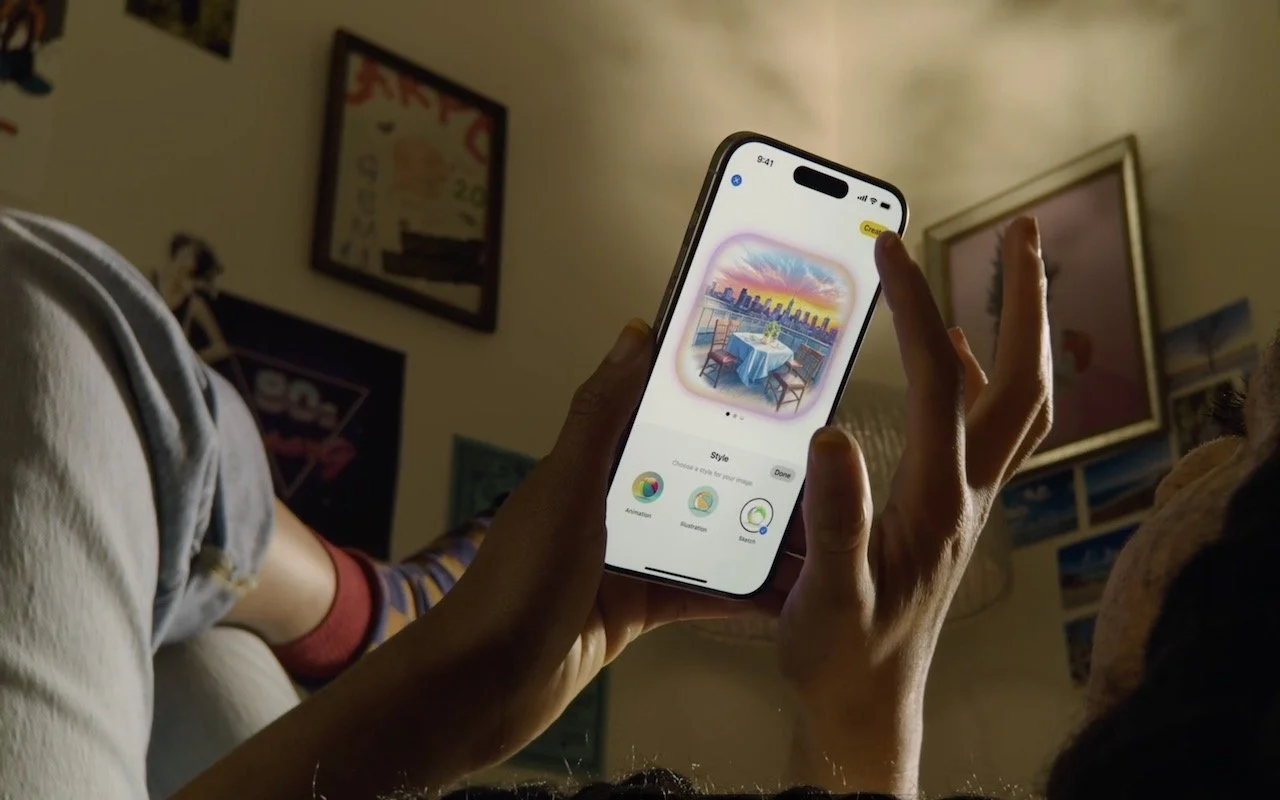
Read MoreWe look at the latest wave of Apple’s AI features and help you start using them for discussions with ChatGPT, creating images, making custom emoji, learning about your environment, and more.
Read MoreIf you’d like to allow a child, friend, or colleague to enjoy a specific app on your iPhone or iPad while keeping them focused and preventing access to everything else on the device, check out Apple’s Guided Access feature.
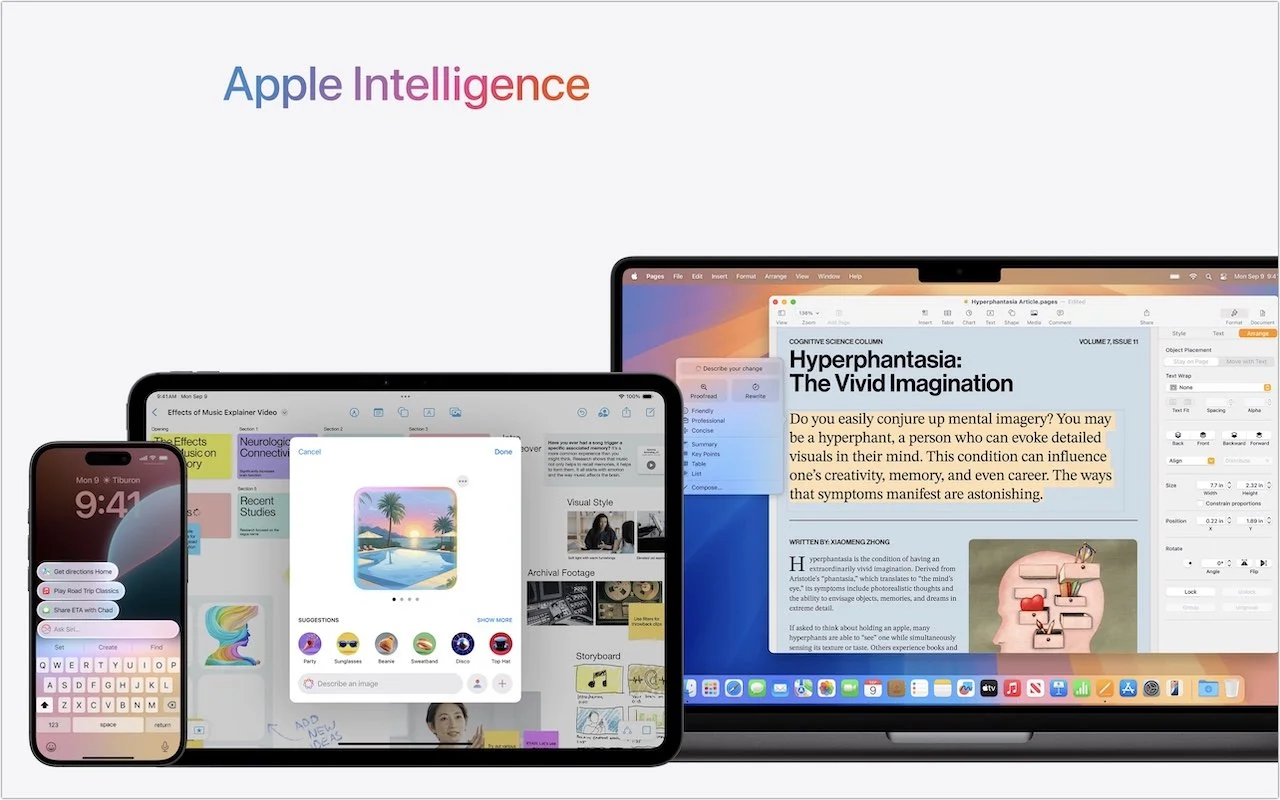
Read MoreApple Intelligence is here! These initial features won’t upend your Apple experience, but welcome additions include notification summaries in Messages, message list summaries in Mail, Clean Up in Photos, and audio transcripts and summaries in Notes.
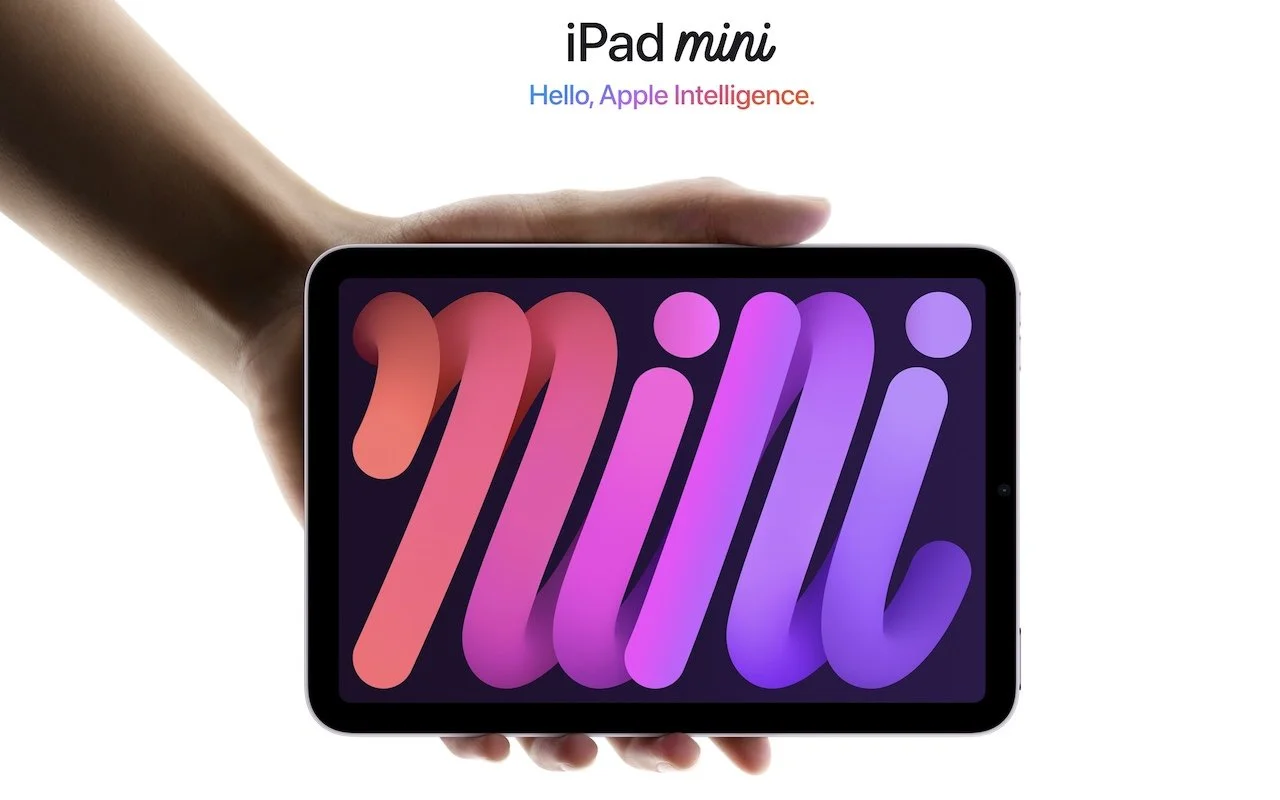
Read MoreApple has updated the iPad mini with an A17 Pro chip for Apple Intelligence, along with more storage, faster connectivity, and support for the Apple Pencil Pro. It’s still $499 and remains an excellent option for anyone wanting a smaller iPad.
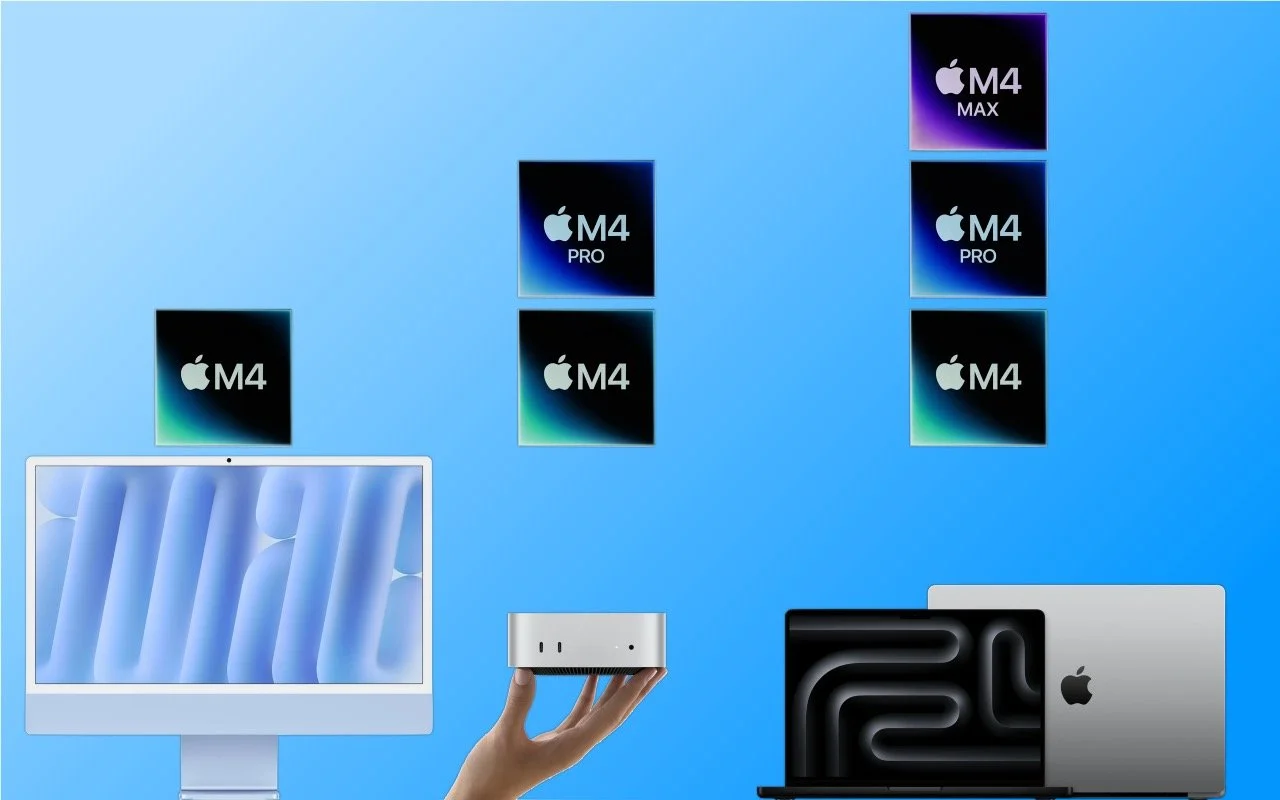
Read MoreApple has started moving the Mac lineup to the M4 family of chips with the updated iMac, redesigned Mac mini, and enhanced MacBook Pro. They’re great machines, particularly for those who need to upgrade from an Intel-based Mac.
Read MoreRansomware primarily affects Windows and Linux computers, but if you, or anyone you know, falls prey to it, visit the No More Ransom website for advice and decryption tools.
Read MoreHundreds of millions of people had their names, addresses, and Social Security numbers revealed in the massive NPD breach. There isn’t much you can do to protect yourself, but we explain the one thing everyone should do.
Read MoreEditing text on an iPhone or iPad will never be as easy as on a Mac, but with these tips, you can quickly position the insertion point and select words and paragraphs using your finger.
Read MoreIt’s exciting to get a new iPhone, but take a few minutes to read our advice on what you need to do before—and after—transferring your data from your old iPhone.
Read MoreIf you connect your Mac to your UPS with a USB cable, you can use Energy Saver to shut your Mac down automatically in the event of a power failure… before the UPS battery runs out.
Read MoreApple has introduced the iPhone 16 lineup, the Apple Watch Series 10, and two models of the AirPods 4, plus smaller changes. The upgrades are welcome but incremental, making them most compelling to those upgrading from much older devices.
Read MoreDon’t forget about local security on your Mac. Make sure to require a password shortly after the screen saver starts or the display sleeps to prevent people from riffling through your email, photos, messages, and more.
Read MoreApple is gearing up to release macOS 15 Sequoia, iOS 18, iPadOS 18, watchOS 11, tvOS 18, and visionOS 2. We briefly examine the features worth upgrading for and suggest when to upgrade each of your Apple devices.
Read More