Apple's HomePod Smart Speaker Coming Soon
/
Since the iPhone X lacks a Home button to press twice for the app switcher, you’ll need to switch apps in a new way...
Read MorePasswords are the bane of our modern existence. Nearly anything you want to do, it seems, calls for a password. As the Internet’s reach extends beyond computers and into phones, TVs, appliances, and even toys, we have to enter passwords with increasing frequency and in ever more annoying ways.
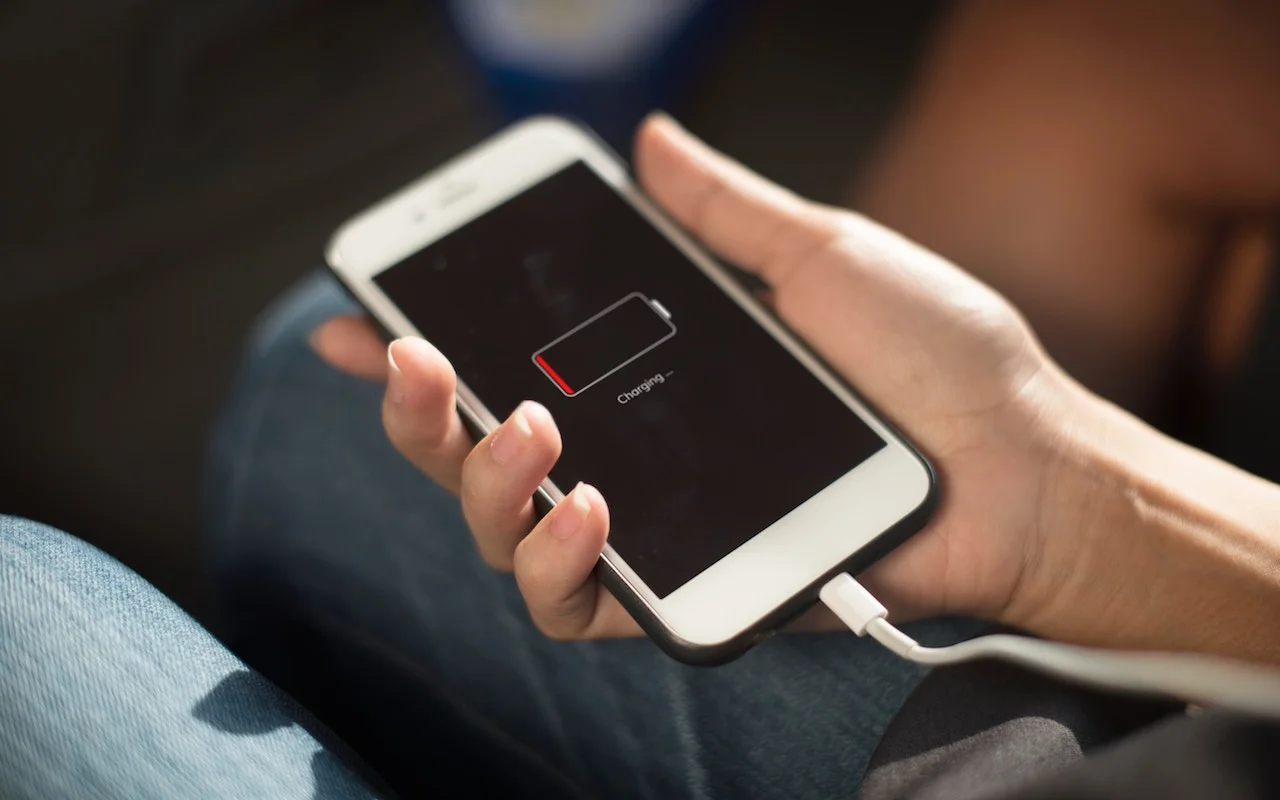
Read MoreDid you hear about the battery-related controversy swirling around Apple at the end of 2017? There has been much hue and cry about how, starting with iOS 10.2.1, iOS has been slowing down iPhones with old, weak batteries to avoid unexpected shutdowns...
Read MoreApple’s new iMac Pro has started shipping, and it’s an astonishing machine. Put simply, it’s the most powerful Mac ever, a title it will likely retain until Apple releases a new version of the Mac Pro, promised for sometime in 2018. But for now, what’s special about the iMac Pro, and should you buy one?
Read MoreFile this as reason number 17 why Apple Pay is better than plastic. Let’s say your credit card expires and your bank sends you a new card with a revised expiration date. Or perhaps your bank replaces your card with one that has a new number....
Read MoreOne of the most important things you can do to stay safe on the Internet is to be careful while reading email. That’s because online criminals know that we’re all busy, and we often don’t pay enough attention to what we’re reading or where we’re clicking...
Read MoreApple’s Calendar apps in both macOS and iOS let you manage multiple calendars, some of which may be private and others may be shared with family or colleagues. That’s great, but if you create a new event on the wrong calendar, you may end up oversharing with colleagues...
Read MoreApple’s new iPhone X does away with the Home button, which has been a fixture since the original iPhone and has long served as the Touch ID sensor...
Read MoreAll iPhones pick up fingerprints, and it’s all too easy to get your iPhone dirty with ink, lotion, makeup, dirt, food, and oil. If you’re faced with an iPhone that needs cleaning, resist the urge to spray it with window cleaner, rubbing alcohol, or ammonia, or, even worse, to scrub it with baking soda or Borax...
Read MoreIt’s that time of year again, when we realize that if we’re going to do holiday cards, we should get started. You can take the easy way out and buy a few packs of generic reindeer cards at the drugstore, but with a little work in Apple’s Photos app on the Mac, you can instead send cards personalized with your favorite family photos from the past year. Here’s how...
Read MoreWhen you’re unboxing a new iPhone, it’s time to think about how you’ll move your digital life from your old iPhone to the new one...
Read MoreIf mailing your holiday cards (which you printed from Photos, right?) is made harder by having to write addresses on envelopes, you can skip the handwriting step this year with mailing labels. Although many people don’t realize this, it’s easy to print mailing labels on standard label stock using the Contacts app on the Mac. You can even add a personal touch by including a graphic and using a custom color and font choice. Here’s what you need to do...
Read MoreYou’ve undoubtedly seen those odd-looking square QR codes on product packaging, a business card, or a flyer. In the past, you needed a special app to scan a QR code to see what Web URL, contact card, Wi-Fi network, or other piece of information it held...
Read MoreWith iOS 11, the iPhone and iPad interfaces continue to diverge, which makes sense, since the iPad is not merely an overgrown iPhone. Particularly when you pair an iPad Pro with a Smart Keyboard and Apple Pencil, you can now get real work done on an iPad more fluidly than ever before...
Read MoreIt’s that time of year again, when many of us start wracking our brains for gift ideas for our loved ones—or for our own wish lists. If your special someone is an Apple user, we have a few suggestions...
Read MoreAn extremely welcome under-the-hood change in iOS 11 and macOS 10.13 High Sierra is that Photos facial recognition syncs across iCloud Photo Library...
Read MoreThere are two basic types of storage devices available today: hard disk drives and solid-state drives. For the lowest cost per gigabyte, you can’t go wrong with a hard drive, and they come in truly massive sizes—up to a whopping 8 terabytes. However, they’re relatively slow...
Read MoreApple gives iCloud users 5 GB of free storage, but that fills up fast with iCloud Photo Library, iOS backups, iBooks, and more. Until iOS 11 and macOS 10.13 High Sierra, each person in a family had to buy extra iCloud space separately...
Read MoreDistracted driving may not make headlines, but it’s a huge problem. In the United States in 2015, the National Highway Traffic Safety Administration says that 391,000 people were injured and 3477 killed in accidents caused by distracted driving...
Read More