
App Store Gains Accessibility Nutrition Labels
/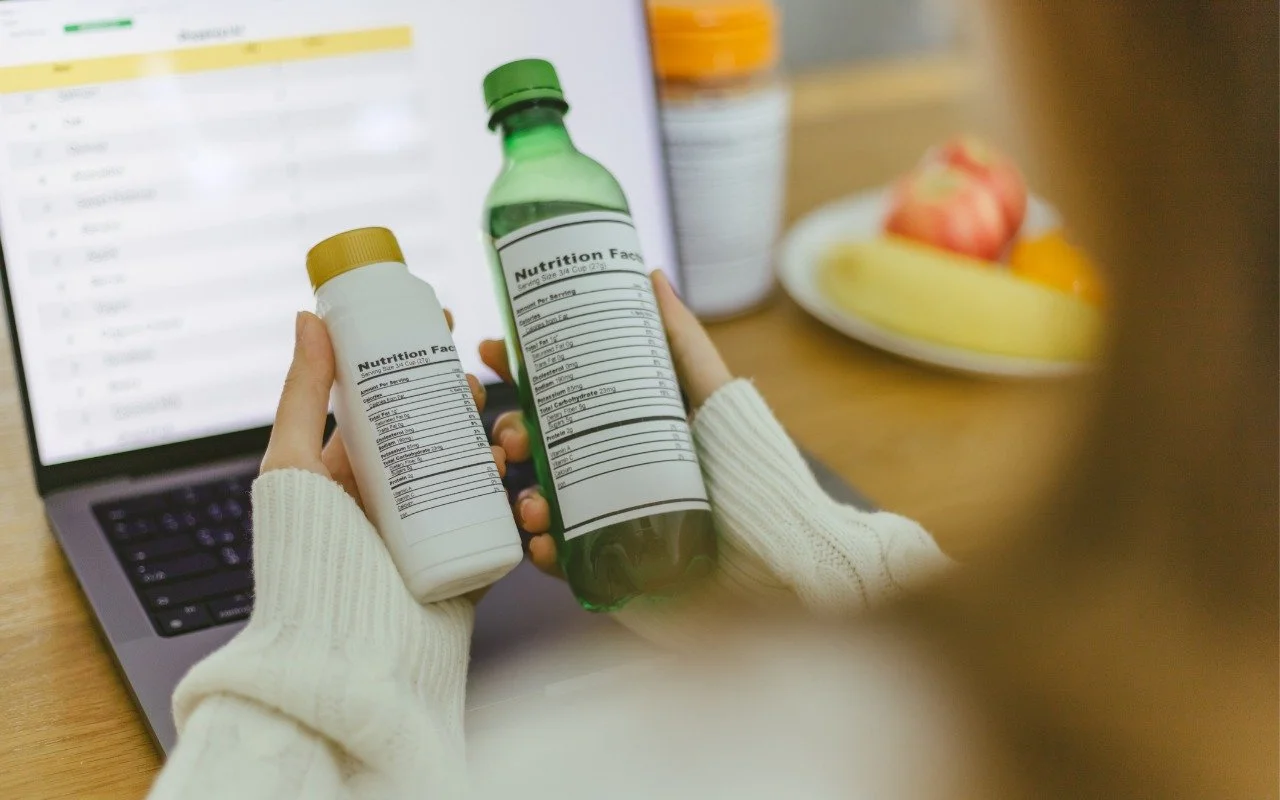
New App Store Accessibility Nutrition Labels show which apps support Apple’s accessibility features—a win for anyone who needs these capabilities now or in the future.
Read MoreNew App Store Accessibility Nutrition Labels show which apps support Apple’s accessibility features—a win for anyone who needs these capabilities now or in the future.
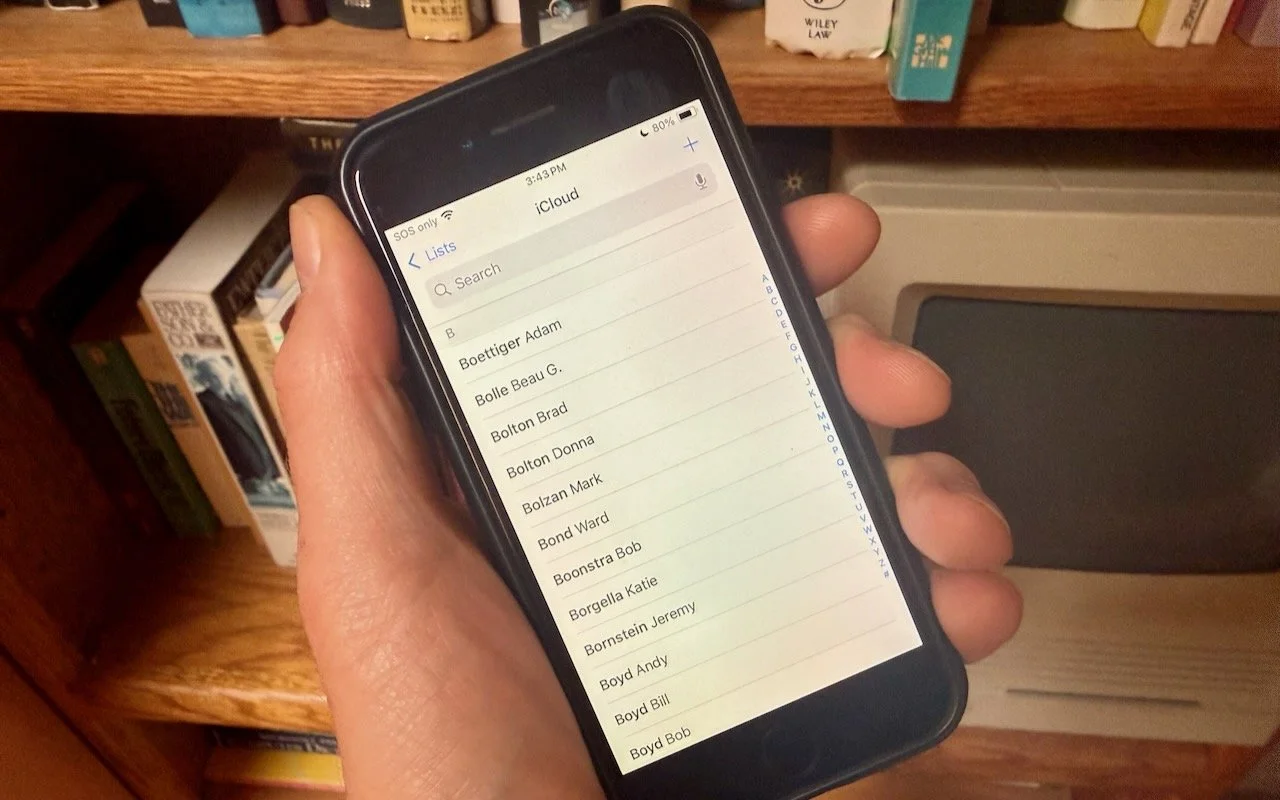
Read MoreWant to display your contacts with the last name shown first? Here’s how to configure your iPhone, iPad, and Mac to display “Anderson, Andy” instead of “Andy Anderson.”
Read MoreDon’t let sensitive business data become part of AI training sets. Here’s how to turn off training options in popular AI chatbots to protect your company’s information.
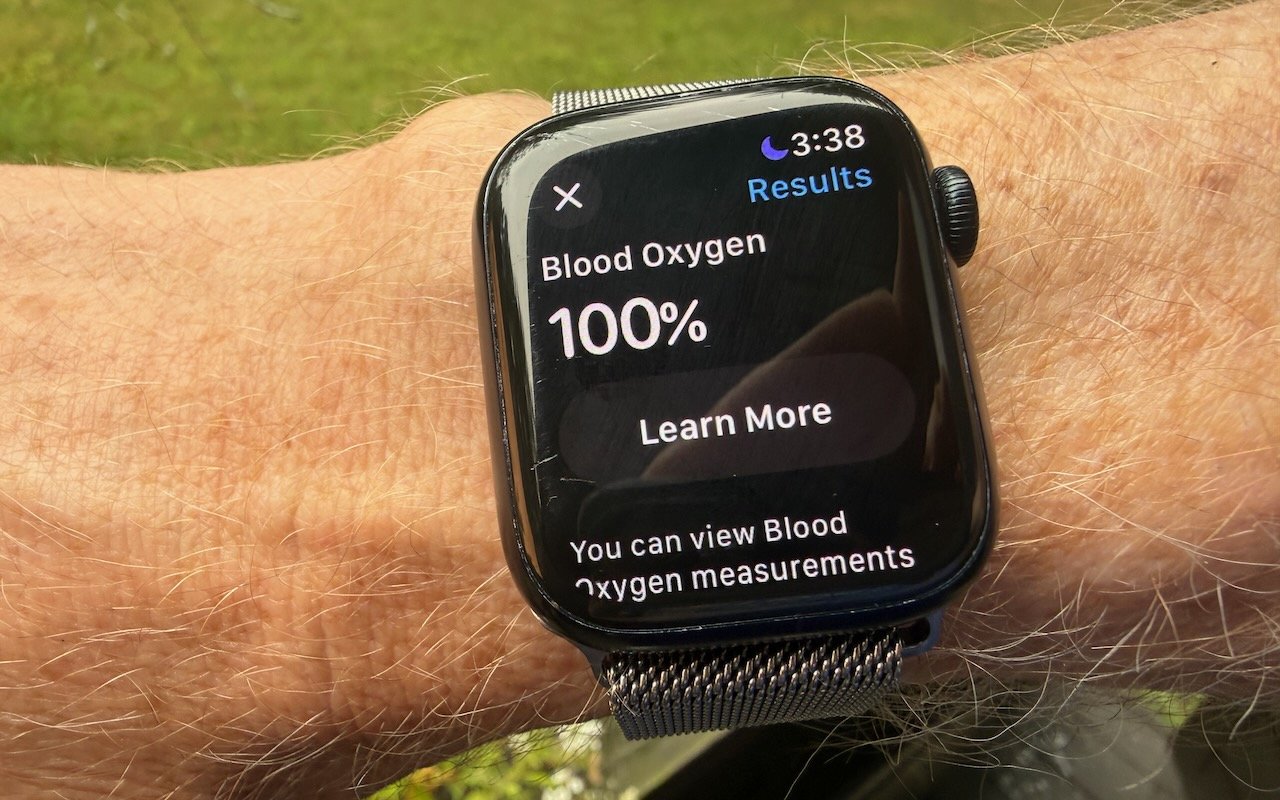
Read MoreApple restored blood oxygen monitoring on recent US Apple Watch models through a creative workaround that processes and displays data on the iPhone instead of the watch. Here’s how to get it working again.
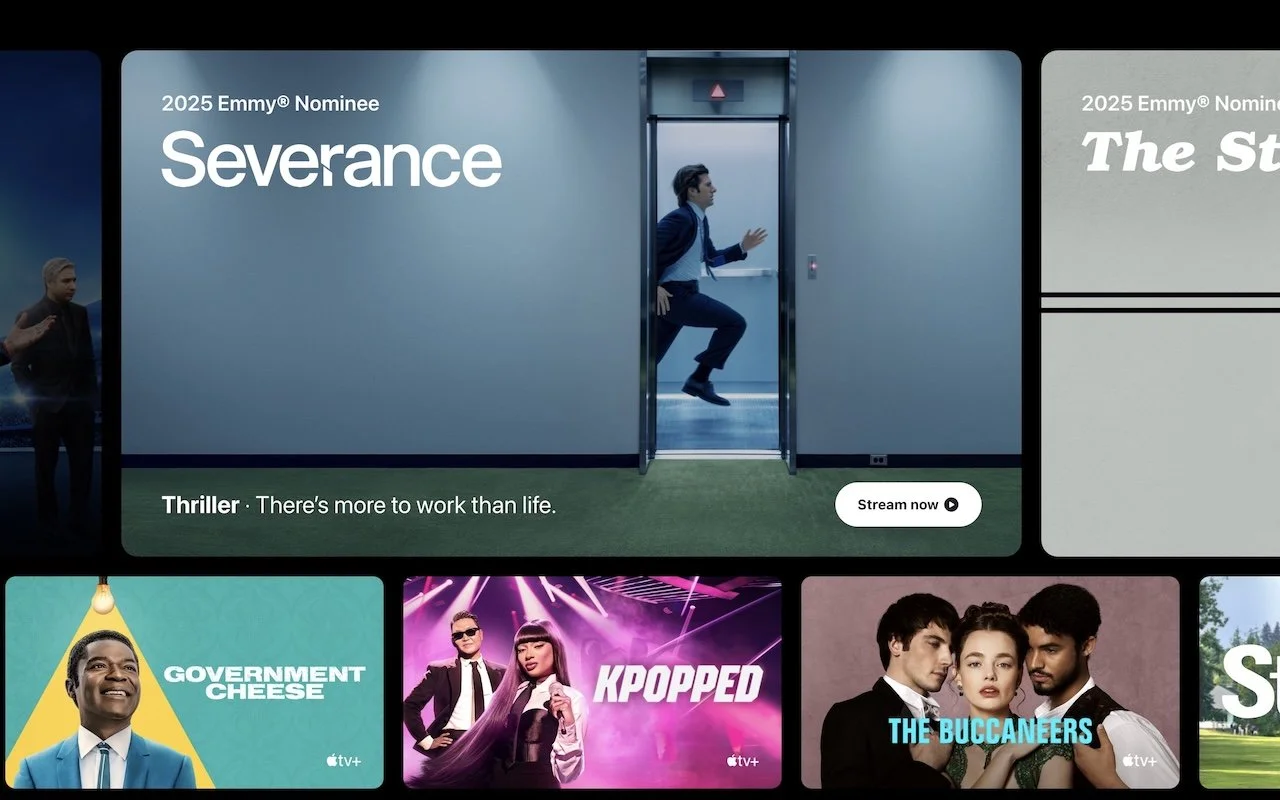
Read MoreApple has raised the price of an Apple TV+ monthly subscription to $12.99. However, if you plan to keep the subscription active for the entire year, you can save $56 by switching to the $99 yearly plan.
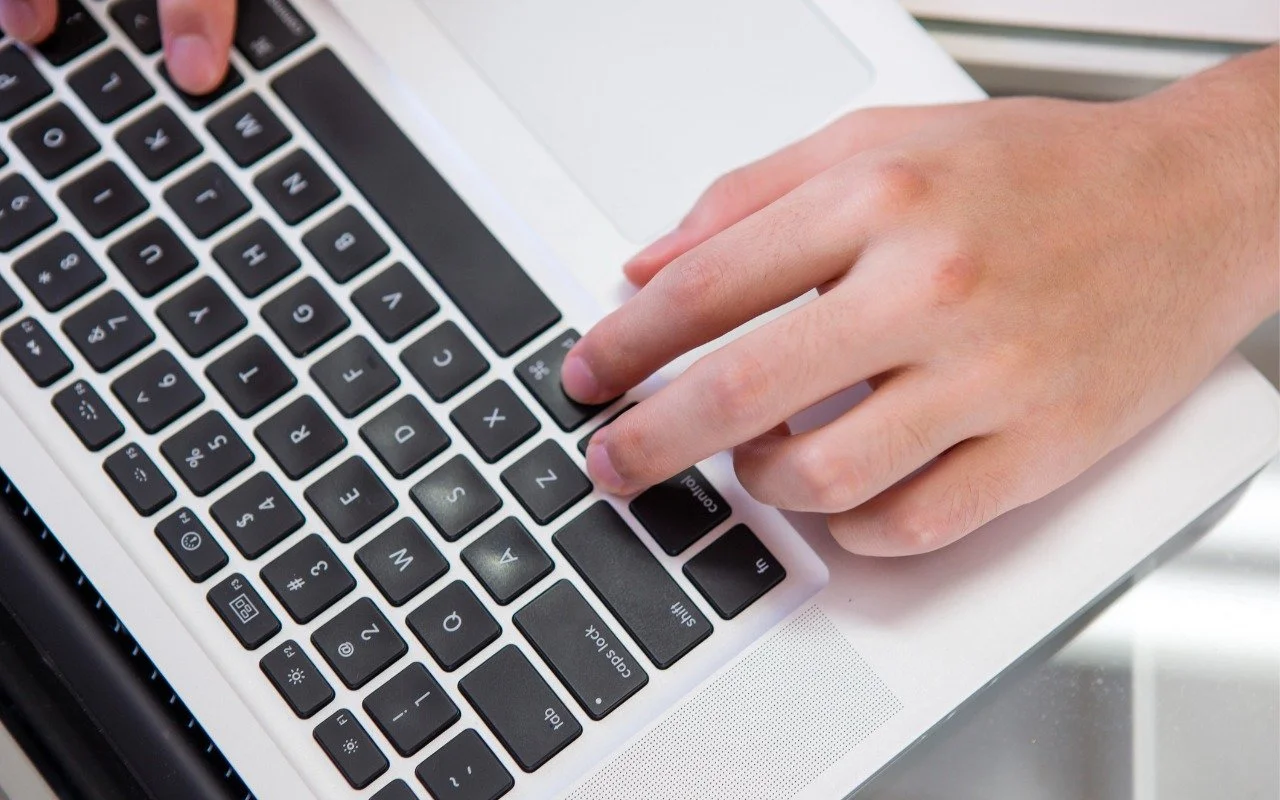
Read MoremacOS 15 Sequoia has a new way you can keep your hands on the keyboard. Press Control-Return to open contextual menus—no mouse required. Try it out and speed up your workflow on your Mac.
Read MoreIf your iPhone 16 or A17 Pro iPad mini gets stuck during an update, Apple’s new recovery feature lets you use a nearby iPhone or iPad to get back up and running.
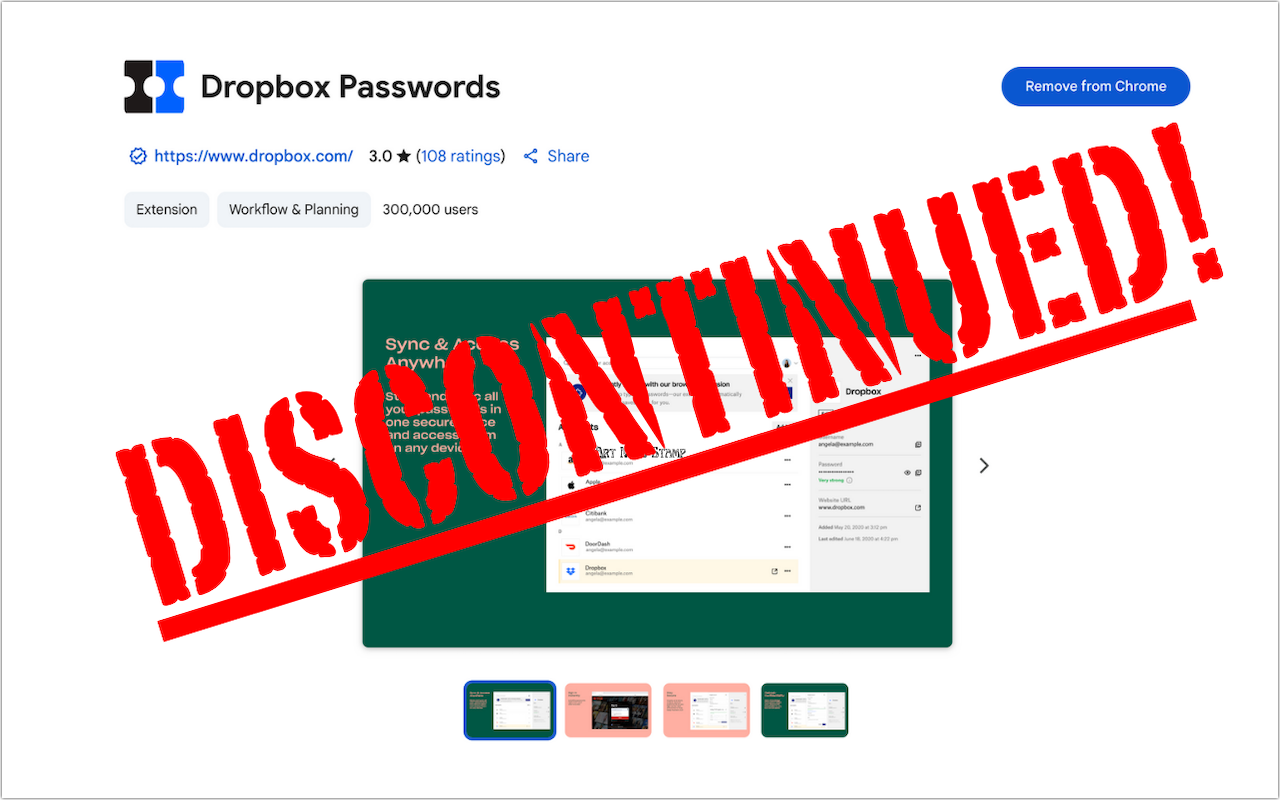
Read MoreDropbox Passwords will shut down on October 28, 2025. Switch to 1Password or another password manager now to avoid losing your stored credentials.
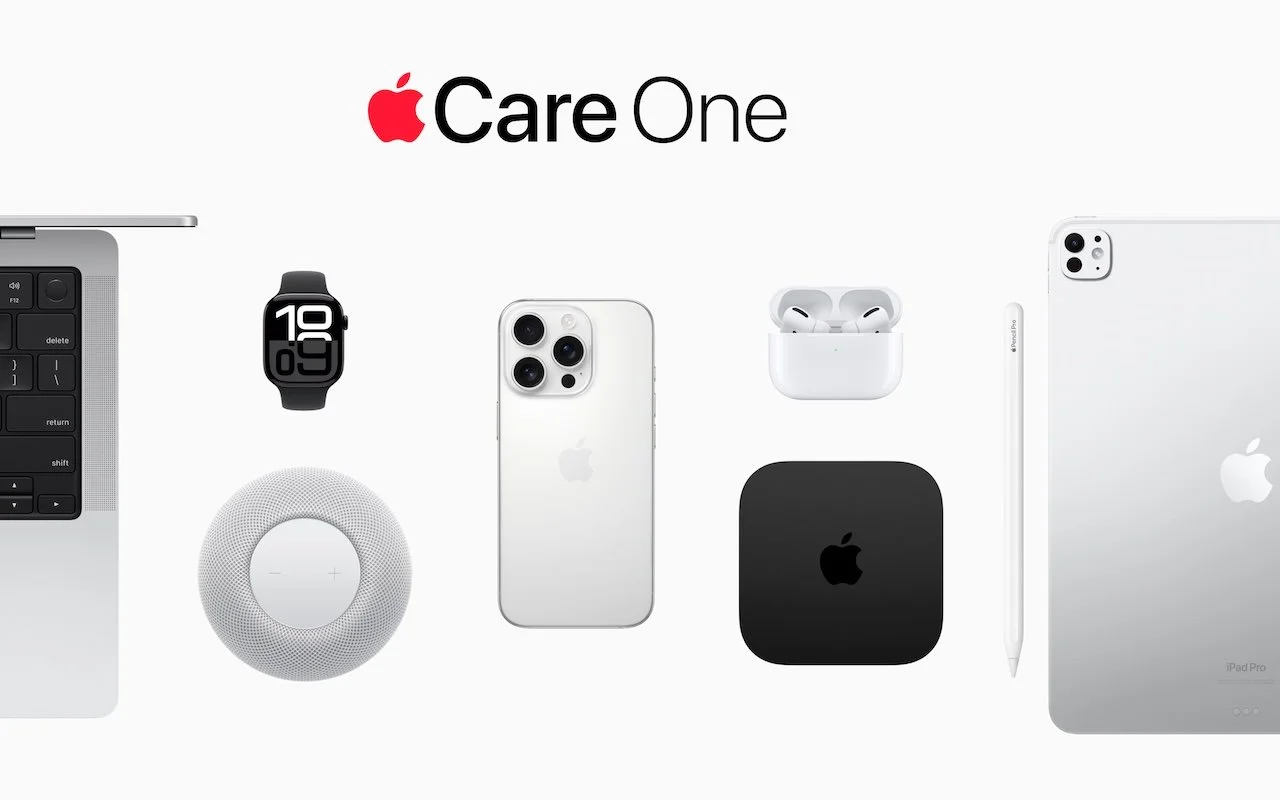
Read MoreApple’s new AppleCare One plan allows you to cover multiple devices under a single subscription and even add devices up to 4 years old. At $19.99 per month for three devices, it could save you money and simplify your AppleCare coverage.
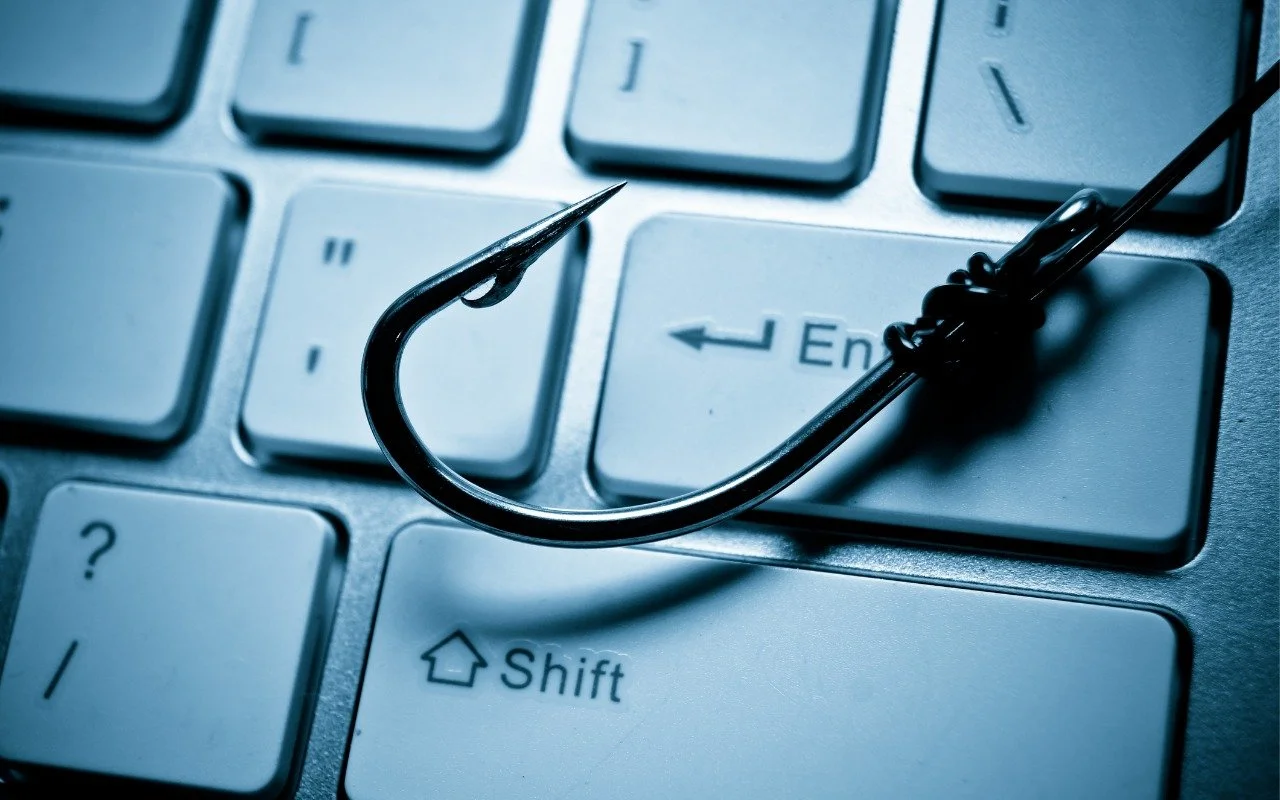
Read MoreA clever new scam masquerades as a CAPTCHA test, asking users to paste text into Terminal to prove they’re human. Instead, it installs malware designed to steal passwords, browser data, and other sensitive information.
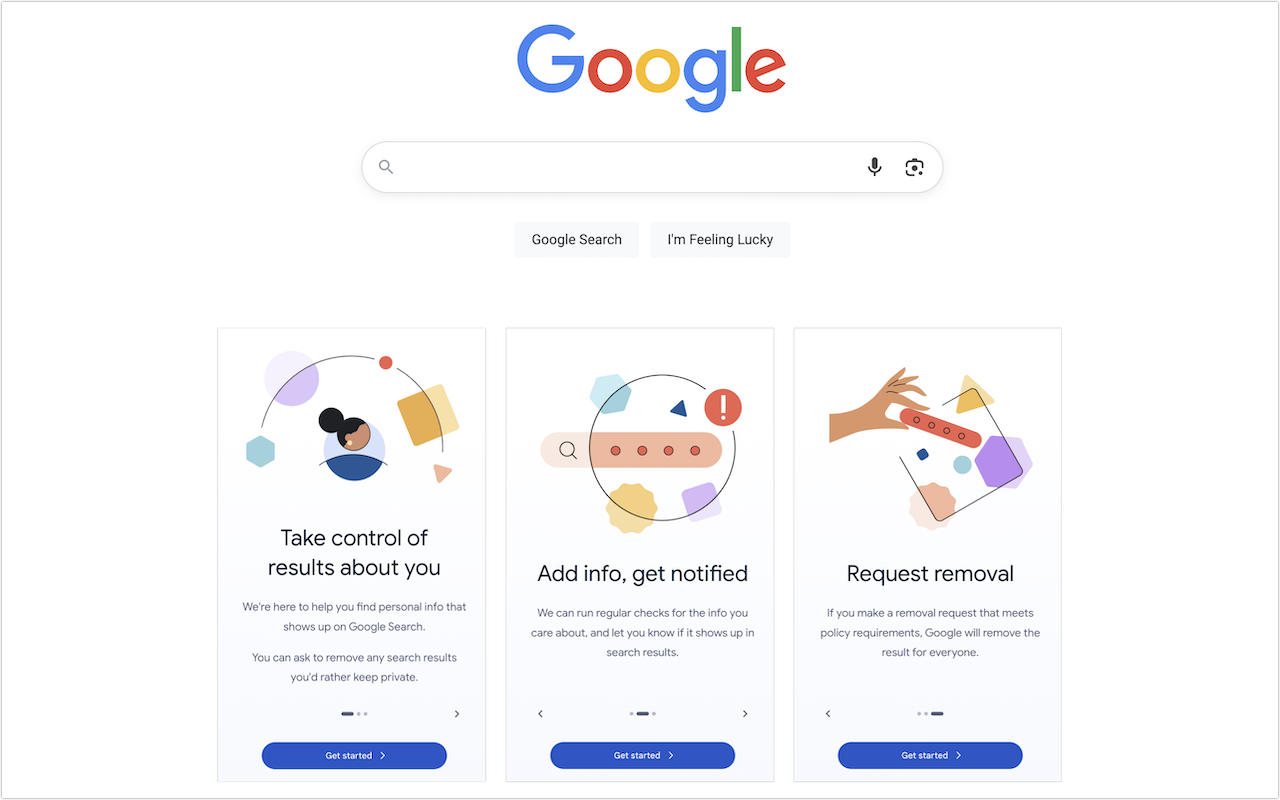
Read MoreCurious about how your personal information shows up in Google searches? Google’s Results About You service helps you monitor and manage your digital footprint.
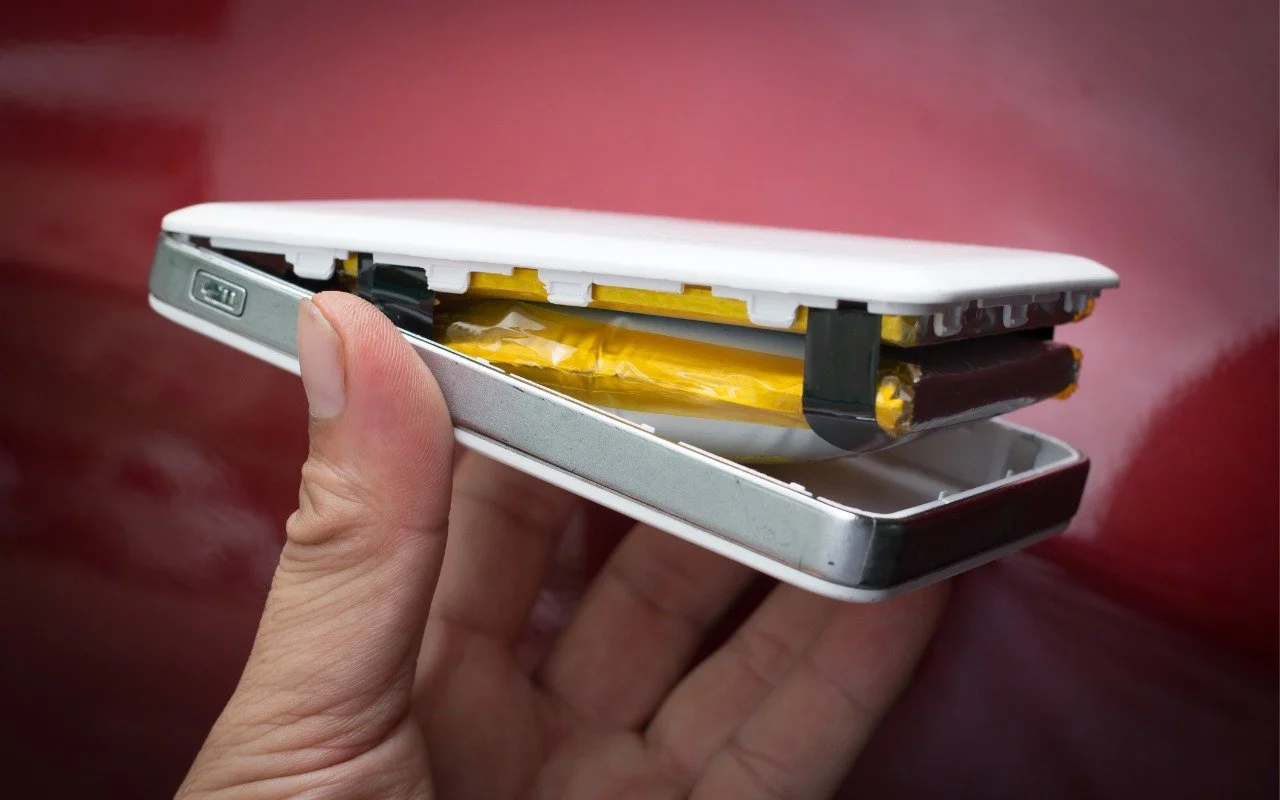
Read MoreAnker has issued major recalls for six power bank models due to fire risk. If you own an Anker power bank, check if yours is affected, even if it seems to be working fine. The company is offering free replacements or gift cards.
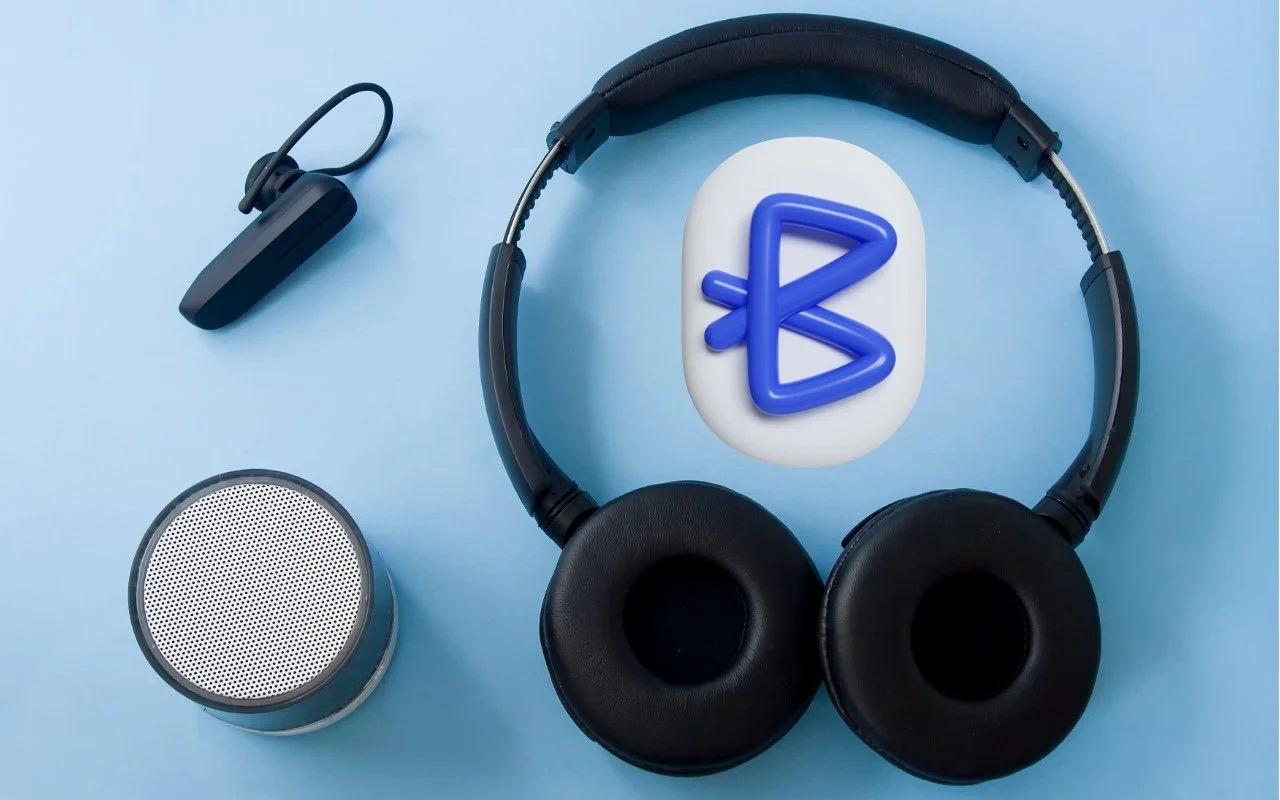
Read MoreYou don’t have to put up with your iPhone’s list of Bluetooth devices being cluttered with confusing factory default names. Most Bluetooth devices can be renamed, allowing you to, for example, change the name from “MY-CAR” to “Nissan Leaf.”
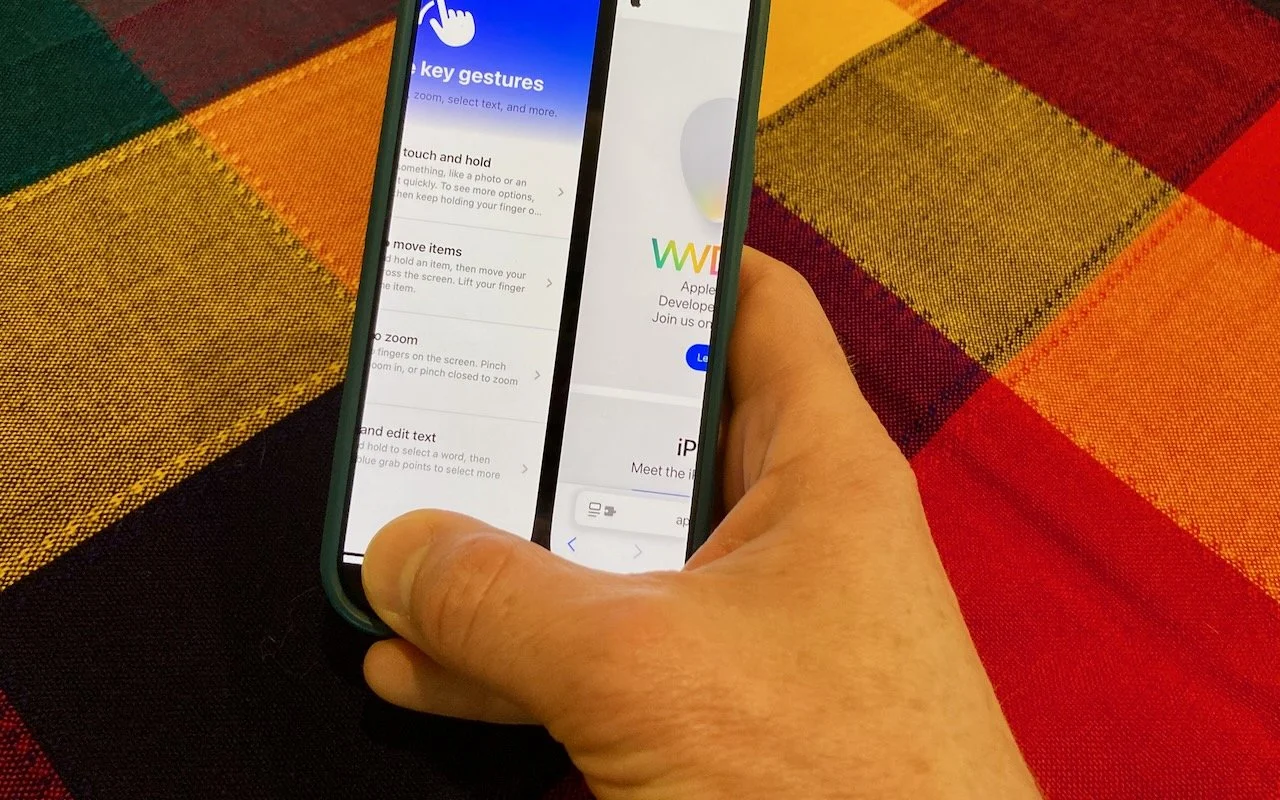
Read MoreThe threat of tariffs raising iPhone prices has prompted many upgrades to the iPhone 16 lineup. For those new to Face ID—or anyone who isn’t familiar with it—we have an app-switching tip that everyone should know and use.
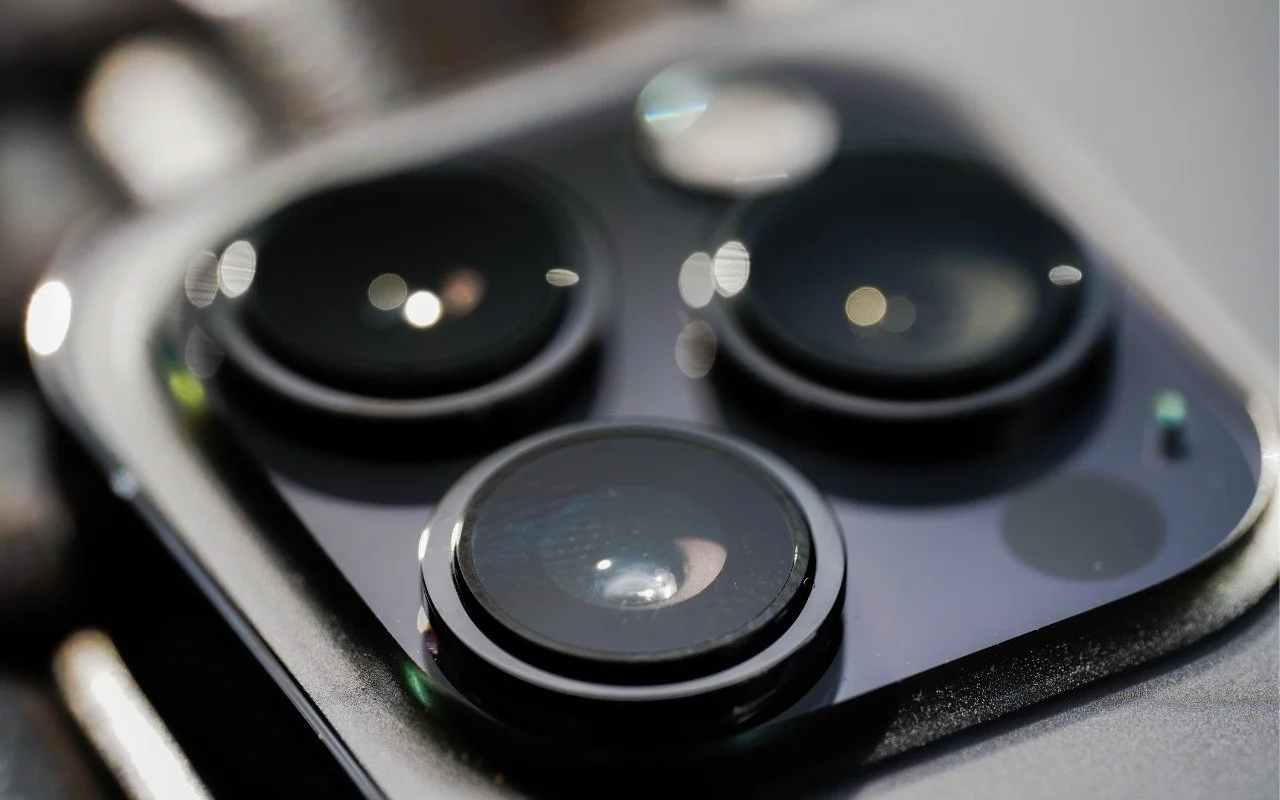
Read MoreTo prevent fingerprint smudges and other grime from impacting the quality of your iPhone photos, clean the lens occasionally with a microfiber cloth or at least the edge of your T-shirt.
Read MoreMake accessing your iPhone, iPad, and Mac easier for trusted family members by setting them up so they can use Touch ID or Face ID.
Read MorePhishing scams are becoming more sophisticated. A message that seems to come from an Internet domain host and arrives around the time of a domain renewal could deceive even experienced users.
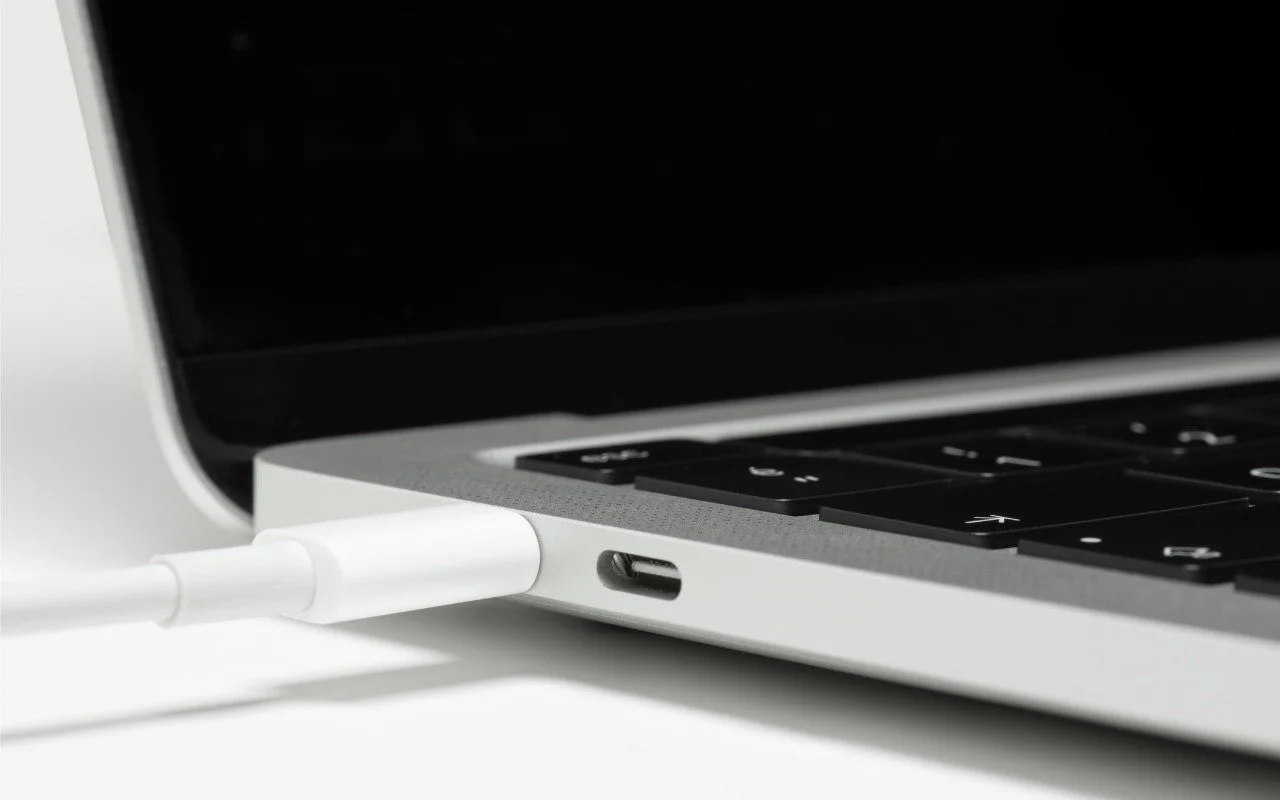
Read MoreIf your Apple silicon Mac won’t boot from an external drive, the issue may be related to which USB-C port you’re using—the special DFU port cannot be used for booting from external drives. Learn how to identify that port on your Mac.
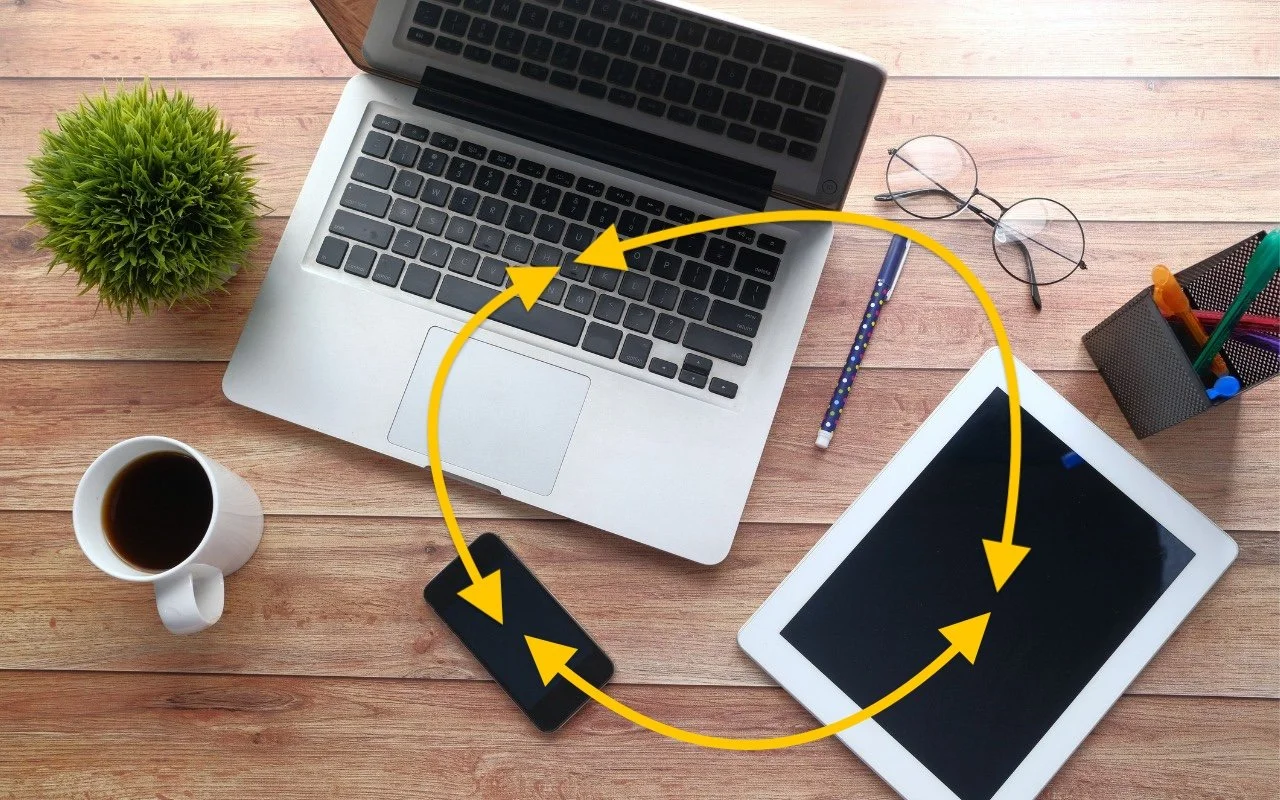
Read MoreIs your app behaving differently on different devices? The culprit might be device-specific settings. To avoid frustration, check and synchronize your preferences across all devices to ensure consistent behavior where appropriate.
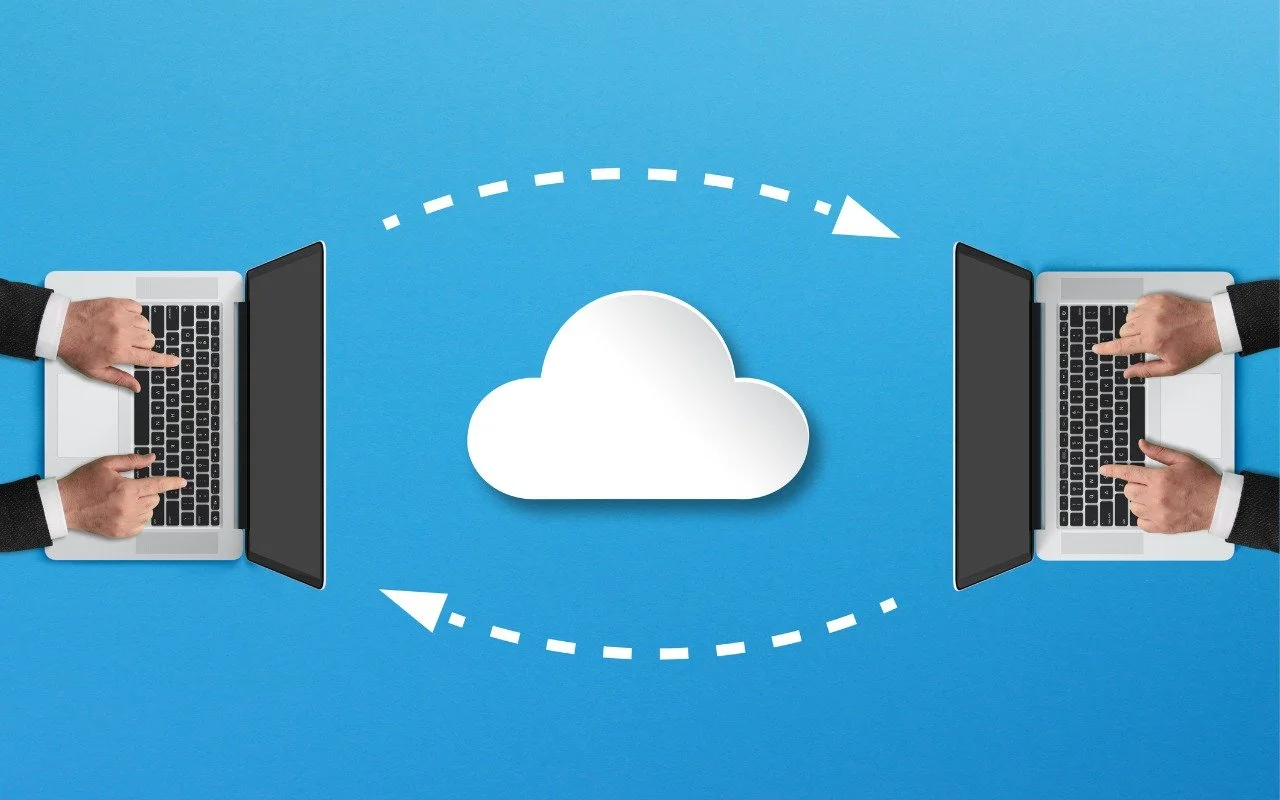
Read MoreLooking for a better way to transfer large files across devices and platforms? Blip offers secure, direct file transfers between Apple devices and other platforms, with no size limits and automatic resumption of interrupted transfers.
Read More