Do You Put Dates in Filenames? Use This Format for Best Sorting
/There are plenty of situations where it makes sense to put a date in a filename, but if you don’t use the right date format, the files may sort in unhelpful ways…

Read MoreThere are plenty of situations where it makes sense to put a date in a filename, but if you don’t use the right date format, the files may sort in unhelpful ways…

Read MoreWhenever Apple releases hot new hardware, it’s tempting to order the latest and greatest and then put your old Mac or iPhone up for sale on a classifieds site like Craigslist. If you do that, be cautious about potential buyers…
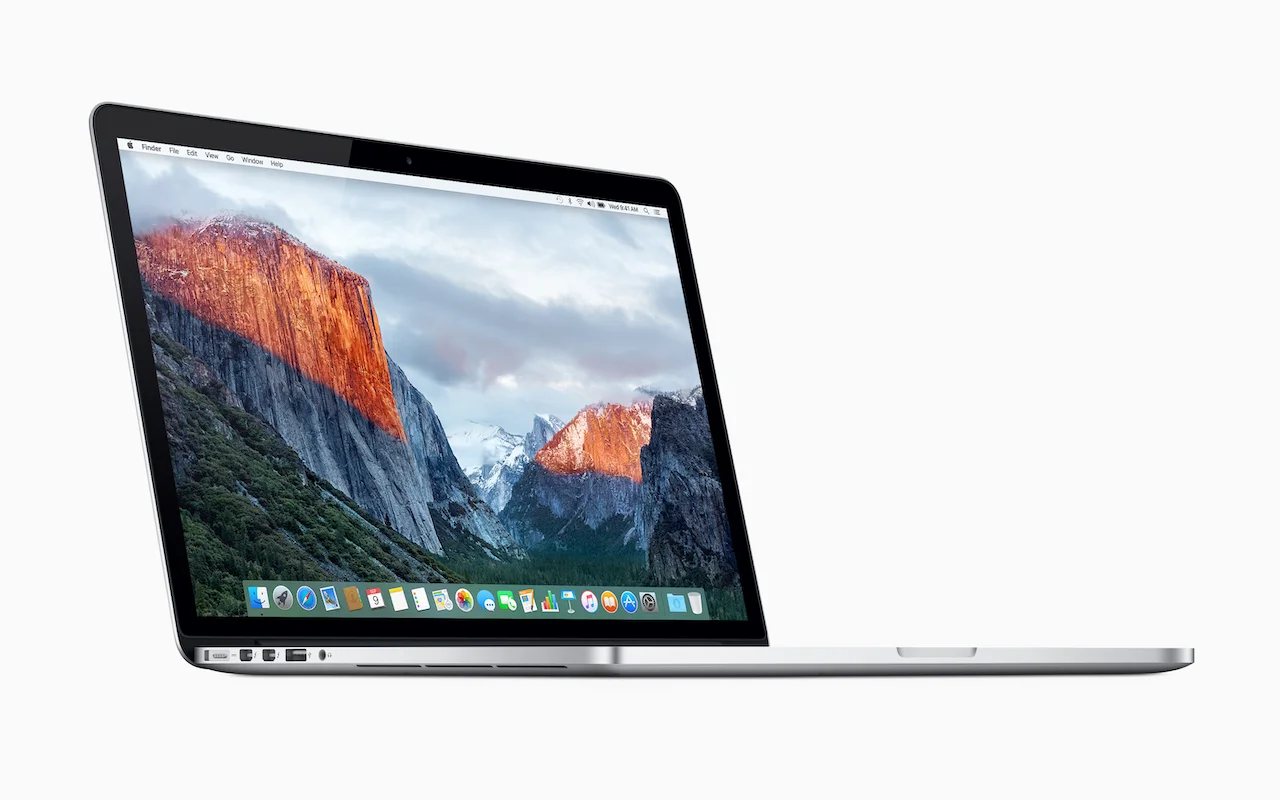
Read MoreApple Issues Voluntary Recall for Certain 2015 15-inch MacBook Pro Units…
Read MoreSiri on the Mac hasn’t been as useful as on iOS devices, but with macOS 10.14 Mojave, Apple enhanced the Mac version of Siri in a variety of ways.
Read MoreIt’s helpful to unplug occasionally and ignore email while on vacation or otherwise away from your work routine. And it’s a good idea to set up a vacation auto-responder to tell correspondents what to do in your absence. It might be tempting to create such an auto-reply with a rule in Mail on the Mac, but resist the temptation!
Read MoreThe Caps Lock key on Mac keyboards often feels extraneous, since it’s easy enough to hold the Shift key while typing multiple capital letters for acronyms like HIPPA or when you want to shout GET OFF MY LAWN! But if you need to do that on an iPhone or iPad, it’s annoying to keep tapping the Shift key to switch to the uppercase keyboard for each letter.
Read MoreIn macOS 10.14 Mojave, Apple exposed a feature of Mail that was useful, but hard to find and use…
Read MoreUnless you can palm a basketball, you may not be able to use an iPhone single-handed. But sometimes one hand is all you can spare. If you find yourself in such a situation, give Reachability a try.
Read MoreIf your Mac is anything like ours, you end up with lots of apps open, each with one or more windows that obscure the Desktop.
Read MoreFinder freezes. They shouldn’t happen at all, and they don’t happen often, but it’s not unheard of for your Mac’s Finder to freeze, freak out, or otherwise stop responding properly.
Read MoreAttend any live theater presentation, and someone will ask the audience to silence their cell phones. But what about your Apple Watch?
Read MoreIf you’re reading this, chances are good that you’re not in elementary school, but it’s still easy to end up with a bunch of numbers you need to calculate...
Read MoreFile this warning under “unless it’s absolutely necessary.” If you use iCloud Photo Library on your Mac, don’t sign out from iCloud...
Read MoreApple’s Photos app is remarkably good at identifying people in your snapshots and collecting all the pictures that contain a particular person into a group in its People view...
Read MoreFor navigation, every Web browser offers back and forward buttons, generally represented by arrows in the upper left of the toolbar...
Read MoreSince the iPhone X lacks a Home button to press twice for the app switcher, you’ll need to switch apps in a new way...
Read MoreDid you hear about the battery-related controversy swirling around Apple at the end of 2017? There has been much hue and cry about how, starting with iOS 10.2.1, iOS has been slowing down iPhones with old, weak batteries to avoid unexpected shutdowns...
Read MoreFile this as reason number 17 why Apple Pay is better than plastic. Let’s say your credit card expires and your bank sends you a new card with a revised expiration date. Or perhaps your bank replaces your card with one that has a new number....
Read MoreApple’s Calendar apps in both macOS and iOS let you manage multiple calendars, some of which may be private and others may be shared with family or colleagues. That’s great, but if you create a new event on the wrong calendar, you may end up oversharing with colleagues...
Read More