Consider Personal Cyber Insurance
/With Americans losing $12 billion to fraud in 2024, personal cyber insurance is becoming essential. Learn what it covers, what to look for in a policy, and how it complements good security practices.
Read MoreWith Americans losing $12 billion to fraud in 2024, personal cyber insurance is becoming essential. Learn what it covers, what to look for in a policy, and how it complements good security practices.

Read MoreManaging time zones in Apple’s calendar tools is straightforward if you remember two key points. Our article clarifies your options and explains how to handle common scenarios.
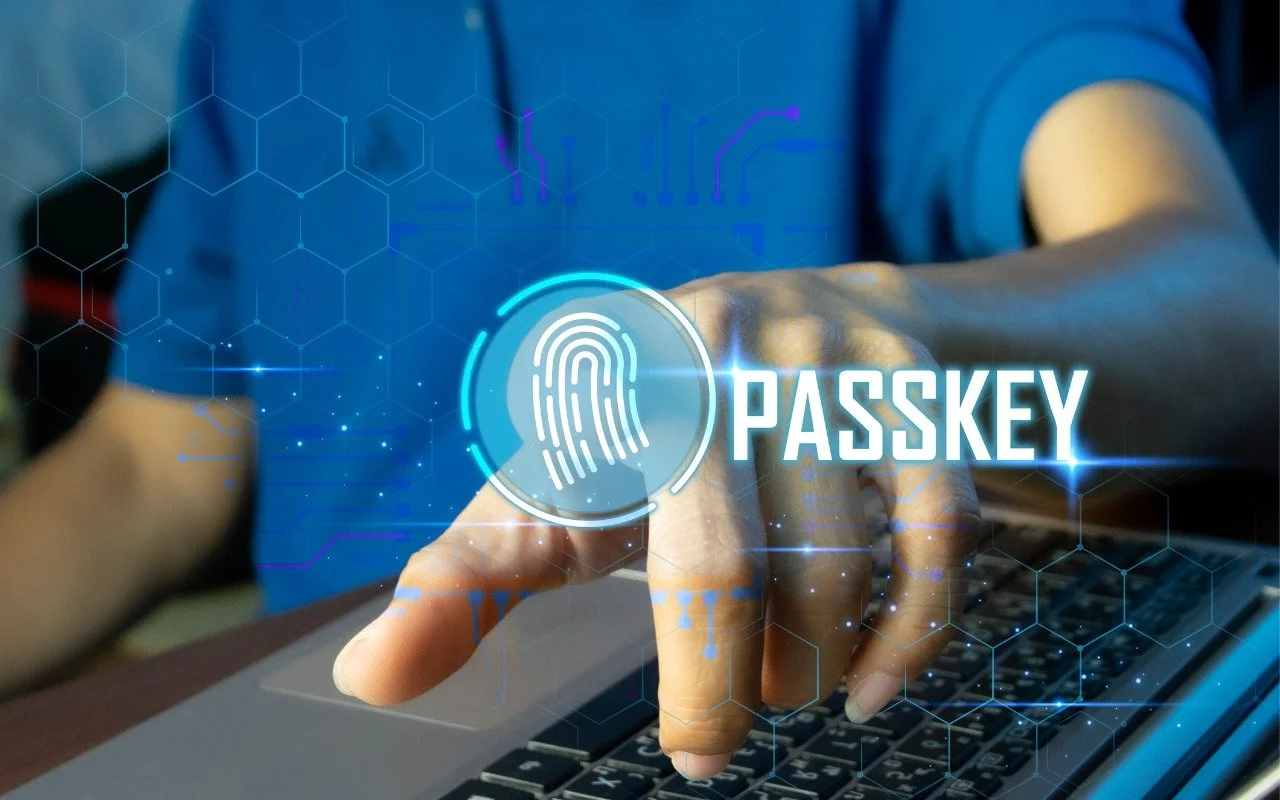
Read MorePasskeys are finally gaining mainstream traction, with support from Apple, Google, Microsoft, and numerous major websites. Find out why they’re more secure than passwords and how to start using them.
Read MoreShadow AI is commonplace in workplaces, with half of employees using unauthorized AI tools and many sharing sensitive data. Learn why your business needs a formal AI policy to harness the benefits of AI while safeguarding against its significant risks.
Read MoreWant to demo something on a big screen? AirPlay can mirror your Mac’s display—or just specific windows—to an Apple TV-equipped TV or another Mac. It’s perfect for presentations, sharing content with a group, or increasing your screen space.
Read MoreSecurity at home is one thing, but what about when you’re on the road? Many of the same precautions apply, but depending on your level of concern and where you’re going, additional techniques can help keep you and your data safe.
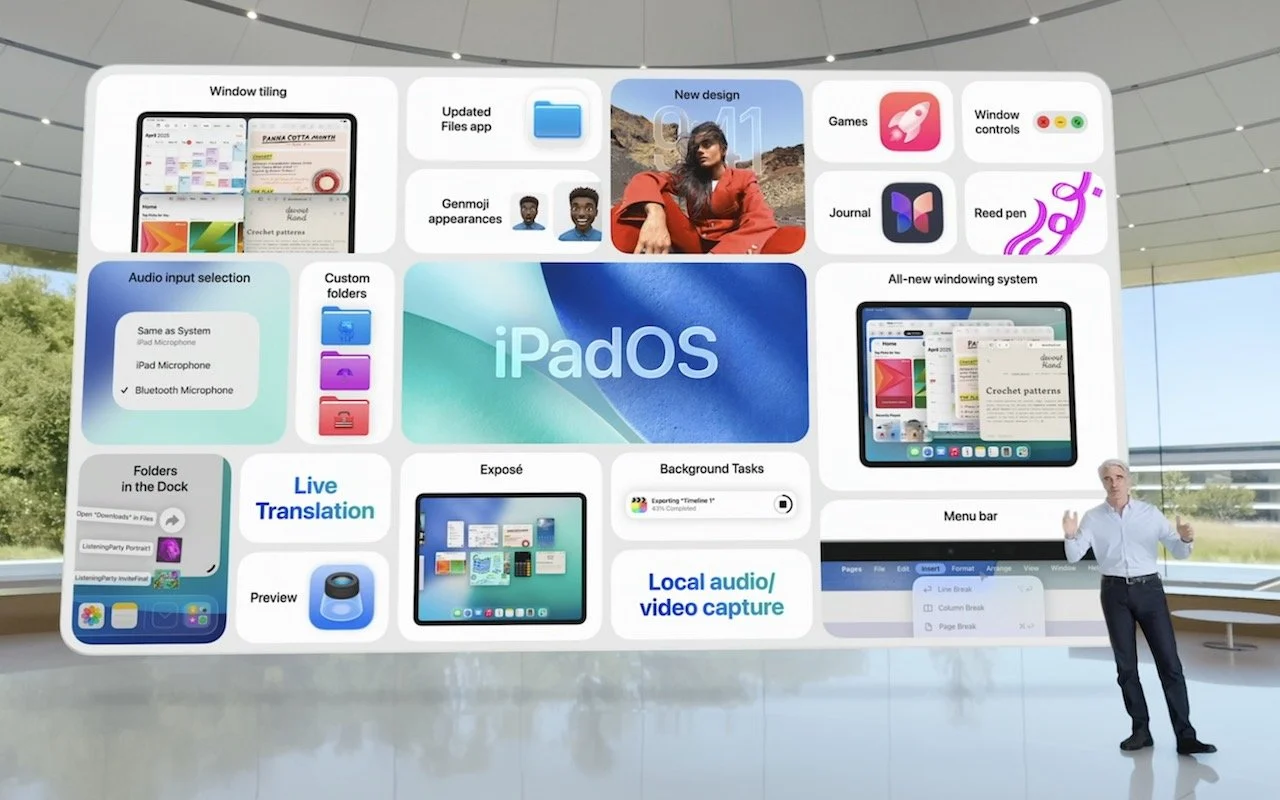
Read MoreAt its Worldwide Developer Conference, Apple unveiled the first major interface change to its operating systems in many years, along with a boatload of new features, many powered by Apple Intelligence. Here are a few of our favorites.
Read MoreAs much as we hate to admit it, when it comes to losing data, the question is not “if,” but “when.” If you rely on your Mac for your job, or if your Mac contains valuable information—and whose Mac doesn’t have at least irreplaceable photos?—you must back up regularly or risk data loss. Seriously, full backups of your entire Mac are not optional...
Read MoreAs much as Apple keeps improving typing on the iPhone and iPad, most people find tapping characters on the on-screen keyboard slower and more error-prone than on a physical computer keyboard...
Read MoremacOS and iOS have both long included built-in screenshot features that make it easy to take a high-resolution picture of what you see onscreen. (You can, of course, use a camera to take a photo of your screen, but that will never look as good.)
Read MoreYou’ve seen the term in Mac names—iMac with 5K Retina display, MacBook Pro with Retina display, and so on. But what is a Retina display, and why should you care? The short answer is Retina displays are high-resolution screens on which graphics are extra sharp and text is super crisp. Here’s the longer answer...
Read More